The question "how do I make an invoice on Shopify" has a frustrating answer: there is no invoice button in Shopify admin. What exists instead are three routes to the same document, each built for a different situation, and picking the wrong one either wastes an afternoon or a subscription.
Here is how each route works, who it suits, and what a compliant invoice actually has to contain once a customer or an accountant is on the other end.
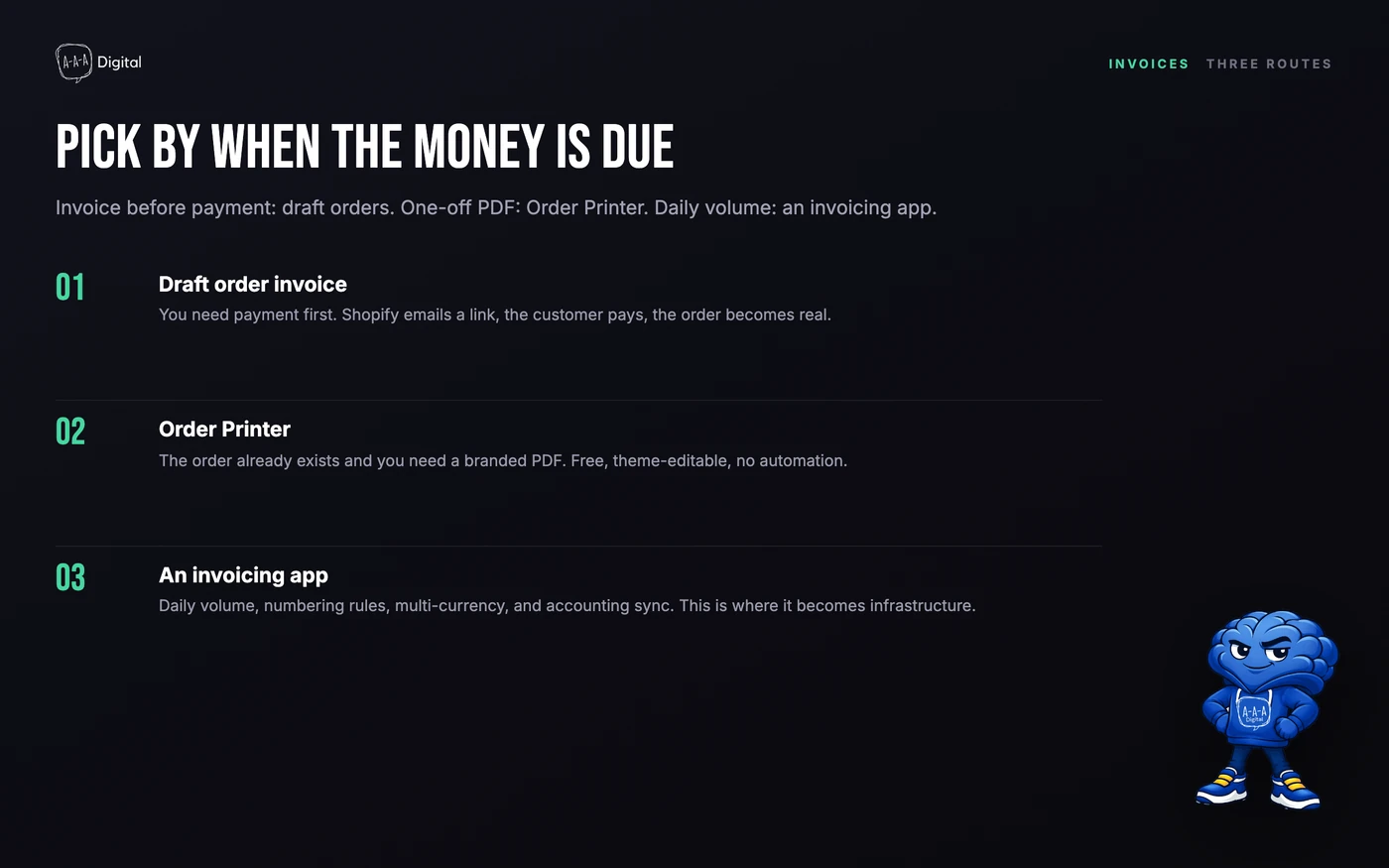
Route 1: The native draft order invoice
For quotes, phone orders, and net terms, Shopify's built-in answer is the draft order. From your admin:
- Go to Orders > Drafts and click Create order.
- Add the customer, the products, quantities, and any discounts.
- Set payment terms: Payment due later for invoices, or collect immediately.
- Click Send invoice. Shopify emails the customer a link to a checkout page where they pay by card.
The customer pays, the draft converts to a real order, inventory and taxes update as usual. This is the only route where the invoice comes before the money, which makes it the right one for B2B quotes and wholesale accounts.
The limitation is paperwork: the email is a payment request, not a formal PDF invoice with legal numbering. If your customer needs a document for their books, you need one of the next two routes.
Route 2: The free Order Printer app
For turning a paid order into a PDF invoice or packing slip, start with Order Printer, Shopify's own free app. Once installed, open any order, choose Print invoice, and you get a printable document you can attach to an email.
It covers the "my accountant needs a receipt for order #1847" case in about thirty seconds, costs nothing, and has no subscription to cancel. Where it stops is scale: every invoice is a manual click, the template is basic, and features like automatic customer emails, translations, and legal numbering sequences are not its job.
Route 3: Invoicing apps for automation
Once you send more than a handful of invoices a week, the per-order manual work becomes a job. This is where invoicing apps earn their subscription:
- Sufio is the app we install most often for brands selling into the EU. It attaches a properly numbered, tax-broken-down PDF invoice to every order automatically, handles VAT numbers and reverse charges, translates invoices by customer language, and keeps the numbering sequence auditors expect.
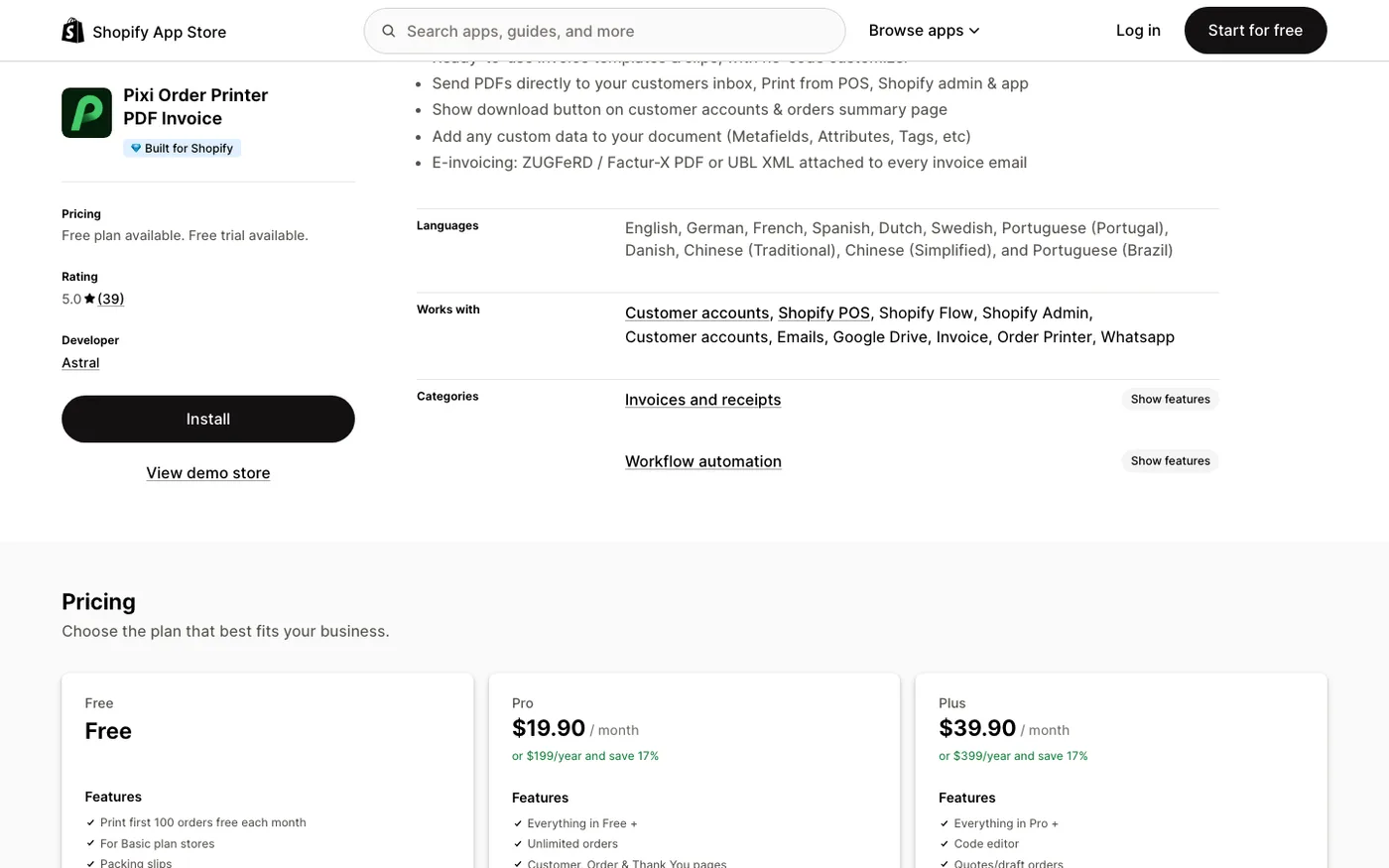
- Order Printer Pro covers the same ground from the printing side: bulk print runs, packing slips and invoices from the same template editor, and automatic PDF attachments with a more approachable setup than Sufio's rule system.
- Simple Invoice sits at the lighter end: clean templates, automatic emails, and a price that suits stores just crossing the volume threshold.
Best for: EU-facing stores that need compliant numbering, tax breakdowns, and translations
The most complete invoicing app we deploy. Handles VAT and language properly, which is exactly where manual documents fail.
See current pricingBest for: Stores that print or bulk-send invoices and packing slips from the same templates
Faster to set up than Sufio and strong on bulk printing. Attachments and automation carry it past the free Order Printer app.
See current pricing
When you evaluate any of them, test three things on a real order before subscribing: the tax line behavior with your actual rates, the numbering sequence starting where your accountant needs it, and the email template in the customer's language.
What a compliant invoice carries
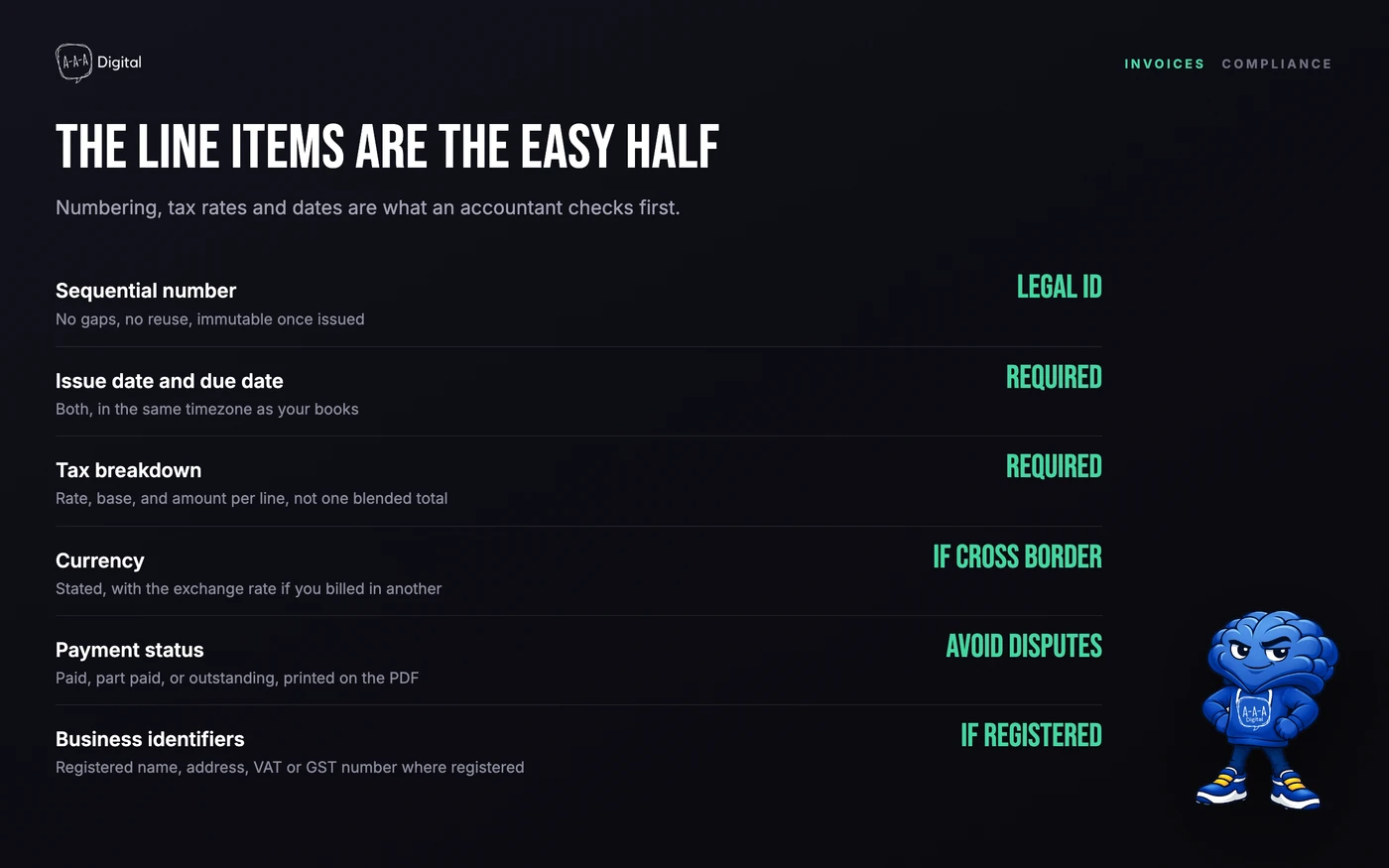
Whichever route you use, the document itself has requirements that vary by country but share a common core:
- A sequential invoice number with no gaps and no reuse.
- Issue date and, for net terms, a due date.
- Your legal business name, address, and tax ID.
- The buyer's name and billing address.
- Line items with quantities, unit prices, and discounts.
- Tax shown by rate, not blended into one line.
- Total, payment status, and the order reference.
Two rules keep stores out of trouble. First, never edit and resend an issued invoice; issue a credit note instead, so the numbering history stays intact. Second, decide your numbering prefix before the first invoice. Apps keep sequences clean automatically; manual files in Google Docs do not.
B2B and wholesale invoicing
If invoicing is your wholesale channel rather than an afterthought, the draft-order route has a ceiling. Shopify B2B adds company profiles with payment terms, so approved wholesale buyers check out on net-30 or net-60 without a draft-order email per order, and the invoice lifecycle rides on top of normal orders. Our Shopify B2B setup guide covers when that machinery is worth it versus staying on draft orders.
FAQ
Can Shopify create invoices? Not with a built-in invoice button. The native route is draft orders, which email customers a payment link. For formal PDF invoices, use the free Order Printer app or a dedicated invoicing app like Sufio.
How do I send an invoice on Shopify? Create a draft order with the items and customer, then click Send invoice. The customer receives an email with a secure checkout link and pays online; the draft becomes an order automatically.
What is the best invoice app for Shopify? For EU compliance and translations, Sufio. For printing workflows and faster setup, Order Printer Pro. For light use, Shopify's free Order Printer covers one-off PDFs.
Do Shopify invoices include VAT? Shopify's order data includes taxes, and invoicing apps render them as proper rate-by-rate breakdowns with your VAT number. The free Order Printer template shows taxes more simply, which is fine for domestic sales and thin for cross-border EU ones.
Can customers download their own invoices? With invoicing apps, yes: most add an invoice link to the order confirmation page and customer account, which cuts support tickets substantially.
Invoicing is one of those operations that either stays invisible or eats an hour a week, and the difference is usually one app installed correctly. If your finance workflow needs more than a template, book a free strategy call or see how our Shopify experts set up operations for stores at scale.
