Last year we audited a skincare brand spending $40,000 a month on Meta ads. Their ads were fine. Their targeting was fine. But every single ad sent traffic to a product page with a sticky header, a review widget loading 400 reviews, a "you may also like" carousel, and three upsell popups. Conversions were terrible, and nobody could figure out why.
The problem wasn't the page. It was the mismatch. Cold traffic from an ad doesn't want your navigation menu and your bestseller carousel. It wants exactly what the ad promised, and nothing else.
That distinction, where an ecommerce landing page ends and a product page begins, is one of the most misunderstood things in paid acquisition. In this post, we'll walk through how we decide where traffic should land, how to build pages that convert cold visitors, and when your product page is actually the right call.
Why Your Product Page Is Probably the Wrong Destination
Your product page is built for a specific job: convince someone who's already browsing your store to buy this product. It assumes context. The visitor has seen your homepage, maybe read your story, poked around your catalog. Product pages lean on that context. They're dense by design: reviews, related products, cross-sells, full navigation.
Cold ad traffic has none of that context. Someone scrolling Instagram clicked your ad because the hook spoke to them. They have about three seconds of attention to give you. If they land on a page with twelve competing elements, they bounce. Not because your product is bad, but because your page asked them to work too hard.
This is why we almost never send cold paid traffic to product pages on stores we manage. The rare exceptions: retargeting audiences who've already engaged with the brand, and single-product stores where the homepage essentially is the landing page.
What an Ecommerce Landing Page Actually Is
A landing page is a standalone page built for one campaign, one audience, one offer, one action. Everything on the page supports that single action, usually a purchase or an email capture. Everything else gets removed.
That removal is the whole point. No header navigation. No product carousel pulling people sideways. No footer with your returns policy and your blog. One headline that matches the ad, proof that matches the claim, and a button.
When we rebuild funnels for clients, this is where the performance marketing work actually starts. Better ad creative helps, but message-matched landing pages routinely move conversion rates more than any ad change we've made. Across the stores we've rebuilt, funnel pages matching the ad's specific promise have consistently outperformed generic product pages for cold traffic.
How to Decide Where Traffic Should Land
We use a simple framework based on traffic temperature and purchase complexity.
Cold traffic (ads, influencer links, PR): Landing page, almost always. The visitor knows nothing about you. You need to control the entire narrative.
Warm traffic (retargeting, email clicks, returning visitors): Product page is usually fine. These people already know your brand and just need the details.
Hot traffic (cart abandoners, repeat buyers): Product page or even straight to checkout. Friction is your enemy here; don't add a page they don't need.
Complex or high-AOV products: Landing page, regardless of temperature. If you're selling a $400 skincare system or a configurable furniture piece, people need education before they'll buy. A dedicated page lets you sequence that education instead of hoping they scroll far enough on a product page.
The second question is what the ad promised. If your ad says "30% off bundles this weekend," the landing page should say exactly that in the H1. If your ad features a specific before-and-after result, lead with that result. Any mismatch between ad and page is invisible to you but obvious to the visitor, and they punish it by leaving.
Anatomy of a Landing Page That Converts
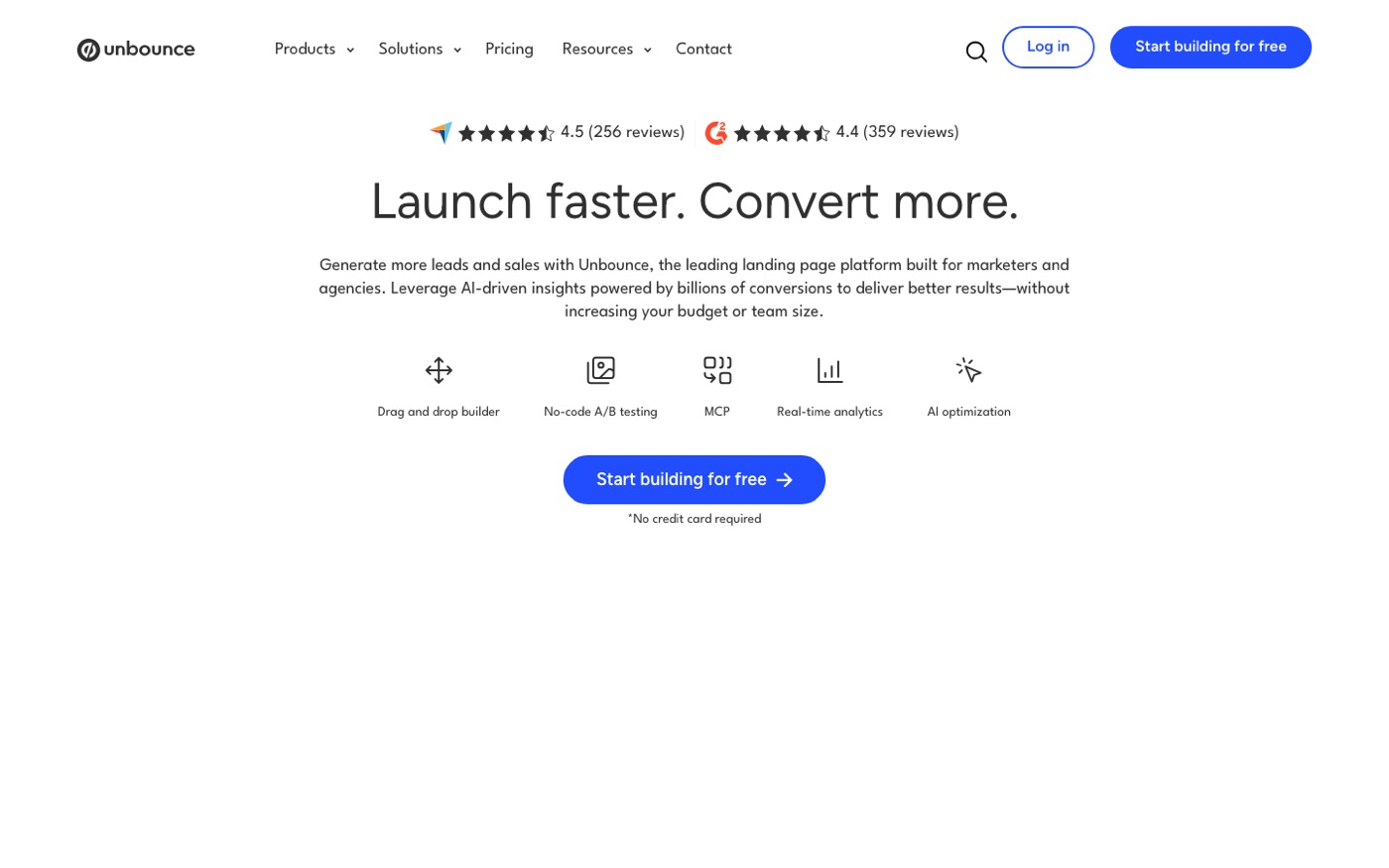
Here's the structure we use on most ecommerce funnels. Not every element applies to every product, but the order matters: proof and clarity before persuasion.
1. Hero: headline + subhead + primary image. The headline repeats the ad's promise in the customer's words, not your brand language. "Clearer skin in 6 weeks" beats "The DermaRenew System." Show the product in use, not a floating packshot on a beige background.
2. Social proof early. Not a buried review widget. One or two strong testimonials near the top, ideally with photos. Visitors who don't know your brand look for reasons to trust you within the first scroll.
3. The problem and the mechanism. One short section on what the customer is struggling with, then how your product solves it differently. This is where you answer "why this and not the dozens of alternatives?"
4. Offer stack. Price, what's included, guarantees, shipping terms. Be specific. "Free shipping over $50" is better than "fast shipping available."
5. FAQ. Handle the top five objections: shipping time, returns, ingredients/materials, whether it works for them, subscription terms.
6. Final CTA. Repeat the offer and button after the FAQ. Some visitors read everything first.
We build these in the theme itself or with a page builder app rather than an external tool, so the page inherits your store's analytics, pixels, and speed infrastructure. If you're on a tight budget, the page builder apps we recommend can get a decent funnel page live in a day. If you are considering a prompt-to-storefront tool, read where AI store builders break first.
The Speed Problem Most Landing Pages Have
PageSpeed Insights is unkind to most ecommerce landing pages, and for a predictable reason: builders and apps. Every countdown timer widget, every testimonial slider, every third-party embed adds JavaScript. On mobile, where most of your paid traffic is, this kills you. A page that scores 45 on mobile can easily lose half its potential conversions before anyone reads a word.
Our rule on stores we manage: the landing page must load its hero content in under two seconds on a mid-tier Android phone over 4G. That means system fonts or a single font file, compressed images in WebP, no autoplaying video (a poster image with a tap-to-play button converts about the same and loads in a tenth of the time), and one app embed maximum.
After launch, we check real user data in Google Search Console and the store's own analytics rather than trusting lab scores alone. Field data over 28 days tells you what actual customers experience.
Testing: What We Actually Run
Every agency says "A/B test everything." Here's what testing looks like in practice at our end, because the honest version is more useful than the idealized one.
What we test constantly: Headlines and hero offers. These produce the biggest swings and reach significance fastest on paid traffic. Price anchoring (showing the per-unit cost against a competitor or a "retail value"). Testimonial placement, above the fold versus after the problem section.
What we rarely test: Button colors. Filler copy changes below the fold. Theoretical layout overhauls when traffic volume won't reach significance for months.
What most stores get wrong: They test before they have enough traffic. If your landing page gets 200 visitors a week, an A/B test will take months to produce anything trustworthy, and you'll read noise as signal. Below roughly 1,000 conversions per variation, you're better off making decisive changes based on user research (heatmaps, session recordings, five customer interviews) than running split tests.
This is also where landing page work bleeds into conversion rate optimization. The landing page gets the click to convert; CRO is what makes the whole store convert better once you've proven the funnel works. We typically treat them as separate phases so budget goes to the bottleneck first.
When a Product Page Is the Right Call
To be fair to product pages: they're not the villain. They convert extremely well when the traffic matches the page.
Send product pages your warm and branded traffic. Your Google Shopping clicks, your brand search clicks, your email campaign clicks. These visitors came looking for a specific product, and the product page is exactly what they want. Stripping navigation from a product page for this audience can actually hurt, because they're often comparison shopping and want to see your full range.
Also keep this in mind: product pages are your SEO assets, not landing pages. Your organic rankings live and die on product and collection pages with real content, internal links, and reviews. Landing pages are campaign infrastructure. They exist for paid and email traffic, they usually carry noindex tags, and they shouldn't compete with your product pages in search. Confusing these two jobs is how stores end up with a beautiful landing page ranking for the brand's money keyword while the product page sits on page three.
The Mistakes We See Over and Over
Sending all ad variants to one generic page. Ten ad creatives with different hooks, one landing page. This is the most common budget leak in ecommerce. Each hook deserves its own hero at minimum.
Overloading the page. Merchants get nervous removing elements. Every removed section feels like a risk. But our +58% average CRO lift across rebuilds comes overwhelmingly from subtraction, not addition.
Treating the landing page as a one-time build. Offers stale, season references from months ago, prices that don't match the current promotion. Campaign pages need an owner and a refresh cycle.
No post-purchase continuity. Someone buys from a landing page with no navigation, then gets an email linking to your homepage and can't find the product again. Make sure email flows reference the product directly.
Frequently Asked Questions
Should I send Google Ads traffic to a landing page or a product page?
For Search campaigns, usually the product or collection page, because search intent is specific and the visitor typed exactly what they're looking for. For Performance Max and Demand Gen, which mix cold audiences, test a landing page against the product page and let conversion data decide. Match the page to the ad group's intent rather than using one rule for the whole account.
How long should an ecommerce landing page be?
Long enough to handle the objections of someone who's never heard of you. For a $30 impulse buy, that's often a single scroll. For a $300 considered purchase, expect four to six sections with an FAQ. The mistake isn't length, it's padding: sections that repeat the same claim without adding evidence.
Do landing pages hurt SEO if they're on my domain?
No, as long as you noindex campaign landing pages and keep your product and collection pages as the ranking targets. Problems start when landing pages target the same keywords as your product pages and compete with them in search. Campaign pages for paid traffic should be set to noindex in your theme's SEO settings.
Can I build a landing page in Shopify without an app?
Yes, for most use cases. A page template with the header and footer hidden gets you 80% of the way there, and it loads faster than any builder. We reach for page builder apps only when the client needs frequent, non-technical edits or complex layouts that would take too much custom Liquid to maintain.
What conversion rate should I expect from a landing page?
This varies enormously by price point, category, and traffic source, so treat any benchmark skeptically. As a rough practitioner range: cold paid traffic converting above 2% is workable, above 4% is strong, and above 6% on cold traffic usually means your offer is exceptional or your audience is warmer than you think. Judge your page against your own baseline, not industry averages.
Need landing pages that convert paid traffic into revenue? Talk to our performance marketing team. We'll audit your funnel, rebuild your campaign pages, and connect them to a CRO program that compounds the gains.
