If you google "shopify cart abandonment," the first ten results all tell you the same thing: install Klaviyo, build an abandoned cart flow, recover 5–8% of lost checkouts. Then they all link to their own email templates.
Email flows matter. We build them for every client. But here's what nobody wants to say out loud: an email flow doesn't fix why people are leaving. It just chases them after they've already given up. Baymard Institute's long-running checkout research puts average cart abandonment near 70%, and the reasons have barely changed in a decade. Extra costs, forced accounts, slow checkout, missing payment options.
After rebuilding 200+ Shopify stores, we've learned that the stores recovering the most abandoned carts aren't the ones with the fanciest email sequences. They're the ones that fixed the leak at the source. Here are the nine fixes we run on nearly every engagement, roughly in the order they pay off.
Where Shopify Cart Abandonment Actually Happens
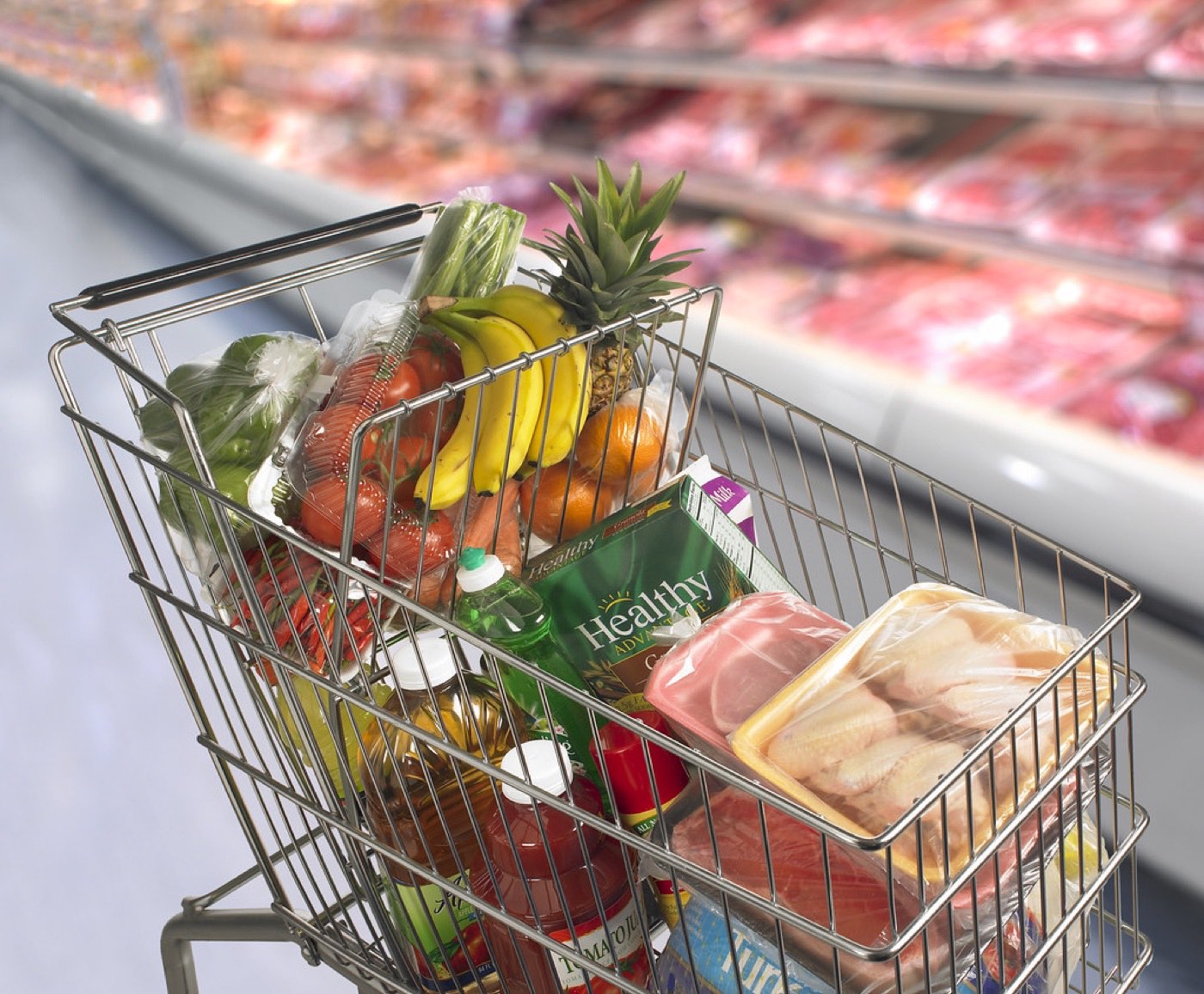
One more thing before the fixes. Most merchants picture abandonment as a checkout-page problem. Analytics tells a different story. A large share of "abandoned carts" are people who added an item to compare prices, save it for later, or qualify for free shipping, and were never going to buy in that session at all. That's normal shopper behavior, and no fix will eliminate it.
The revenue you can actually recover sits in the smaller group: people who wanted to buy and hit a wall. Shipping sticker shock. A forced account. A payment option they don't have. The nine fixes below are aimed at that group, and that framing matters, because it stops you from chasing the unrecoverable 50% and focuses you on the 10–15% that's genuinely winnable.
1. Kill the Surprise Costs Before Checkout
Ask a customer why they abandoned and the answer is boring: "Shipping was higher than I expected." Baymard has ranked unexpected extra costs as the number one reason for years, and it isn't close.
Most merchants handle this backwards. They show a free-shipping bar, hope the customer notices, and then spring the real total at checkout. The fix is simpler:
- Put a shipping calculator on the cart page. Shopify's free shipping bar apps do this, but even a plain line of text ("Standard shipping to the US: $6.95, free over $75") outperforms silence.
- If you ship to regions with duties (UK, EU, Canada), say so on the product page, not at the border.
- Run a test order yourself once a quarter. Merchants routinely discover their shipping rates were raised by a carrier update six months ago and nobody noticed.
We rebuilt the cart page on one Shopify Plus store to show the full delivered cost before checkout. Same traffic, same products, same ads. Checkout completion went up enough to justify the whole project by itself.
2. Turn On Guest Checkout (Yes, Really, Everywhere)
Forcing account creation before purchase is a top-three abandonment driver, and it still shows up on stores in 2026. Usually because someone in marketing wanted the email list, or a theme setting nobody questioned.
In Shopify it's one setting: Settings → Checkout → Customer contact method, and make sure customers can check out without an account. Shopify's own post-purchase account creation flow captures the same customer data after the sale anyway, so you're not losing anything meaningful.
If you're on Shopify Plus and running a heavily customized checkout, audit it. Some of the older checkout.liquid customizations we inherit still block guest checkout in ways the merchant never intended.
3. Trim the Checkout Down to the Bone
Every form field is a small tax on the order. Phone number, company name, address line 2, "how did you hear about us". Each one filters out a percentage of buyers.
Go to Settings → Checkout and remove anything you don't genuinely use. Don't collect phone numbers if you never text customers. Don't ask for company names on B2C stores. If you do ask for a marketing opt-in, keep it unchecked by default, because a pre-checked box is both bad for conversions and increasingly a compliance issue in the EU and UK.
The blunt version: you are not going to segment on the data you delete. We've never had a client regret removing a checkout field. We've had several regret keeping them.
4. Show Every Payment Method Your Customers Actually Use
This one shows up constantly in the checkout reviews we run for clients. A store sells to a market where customers expect PayPal, Apple Pay, or a local method like iDEAL or UPI, and the merchant only has cards enabled.
Start with Shopify Payments and turn on every wallet it supports. Shop Pay, Apple Pay, Google Pay, Meta Pay. Then add PayPal (it remains a trust signal as much as a payment method, especially for first-time buyers). Then check your geography: Shopify Payments supports local methods like iDEAL, Bancontact, and Sofort in Europe, and Shop Pay Installments or Afterpay covers the "I want it but can't pay all at once" segment in the US. Our Afterpay setup guide walks through the buy-now-pay-later side if that's the gap you're closing. If you have not audited the wallet itself, start with what Shop Pay changes at checkout.
One caveat from the field: every payment app you add loads scripts. We routinely see stores with five payment badges and a checkout page that takes six seconds to become interactive on a mid-range Android phone. Enable what's relevant, skip the rest.
5. Make Your Cart Page Do Its Job
The default Shopify cart page is fine. "Fine" is the problem. It answers almost none of the questions a hesitant buyer has: How much is shipping? Can I return this? Is it in stock? When will it arrive?
Three upgrades we deploy on nearly every build:
- A clear delivery estimate. Pull the metafield-based delivery promise into the cart. "Ships in 1–2 business days, arrives in 3–5" kills more hesitation than any discount code.
- Return policy in one sentence. Not a link to a 900-word legal page. One sentence, on the cart page.
- A sticky checkout button on mobile. Scrolling back up to find the checkout button on a phone is a genuine friction point on long carts.
6. Speed Up the Slow Pages in the Funnel, Not the Whole Store
Everyone wants to optimize the homepage. Abandonment happens on product pages, carts, and checkout. Pull up Shopify → Analytics → Sessions converted over time and cross-reference with PageSpeed Insights data, but honestly, a faster method: open your three best-selling product pages on a throttled 4G connection on a real mid-range phone. Time how long until the buy button is usable.
The usual offenders, in order of frequency:
- A reviews app (Loox, Judge.me) loading its widget before the product images
- A page-builder app injecting 500KB of unused CSS
- Hero image sliders nobody asked for
- TikTok or Meta pixels firing third-party scripts that block rendering
Lazy-load everything below the fold, compress images to WebP, and if a slider app is costing you two seconds of load time, delete the slider. Almost no one uses carousels. Your analytics will confirm it.
7. Fix the Errors That Look Fine to You
Broken trust happens quietly. A discount code field that rejects codes with a red error message. A variant selector that shows "unavailable" for your most popular size. A payment button that works on desktop but sits off-screen on iPhone Safari.
Shopify's theme editor lets you preview across breakpoints, but it doesn't replace real devices. Keep an iPhone and a cheap Android on hand, run through a full purchase weekly, and click everything like a grumpy customer would. We do this on client stores every single week and we still find something broken roughly once a month. On stores we didn't build, it's closer to once a week.
Also check Online Store → Preferences → Password protection is off (you'd be surprised), and that your checkout works with ad blockers enabled. Privacy Badger and uBlock break more checkouts than most merchants realize.
8. Set Up the Abandonment Flow You Already Know You Need
I said this post wasn't about email flows, and it isn't. But leaving 70% of abandoning customers completely uncontacted because you were waiting for the perfect automation is worse than a mediocre flow.
The pragmatic version, live in a day:
- Klaviyo or Shopify Email, abandoned cart trigger, 3 emails: one hour after abandonment (pure reminder, no discount), 24 hours (objection handling, reviews, shipping/returns info), 48 hours (optional incentive only if margin allows).
- Don't discount in the first email. You teach people to abandon on purpose.
- Sync your email capture to Shopify so the flow catches logged-in customers, and use Klaviyo's browse abandonment separately. It converts at maybe a third the rate of cart abandonment, but it's nearly free to run.
9. Test Your Checkout Like a Skeptic Every Month
Everything above degrades. Apps update, themes get edited, shipping zones change, a developer fixes one thing and quietly breaks another. The stores with the lowest abandonment rates we've worked on all share one habit: someone on the team completes a real test order monthly, on a real device, with real attention.
Make it a checklist. Order the cheapest product. Order the most expensive one. Apply a discount code. Check the confirmation email actually arrives. Try a refund. Ten minutes a month catches the slow leaks that silently cost thousands.
Frequently Asked Questions
What's a "good" cart abandonment rate for a Shopify store?
Somewhere between 60% and 75% is normal, and the average sits near 70% across all industries. Don't chase the number itself. Instead, look at your own trend line and your exit pages in Shopify Analytics. A store going from 78% to 71% is a real win; a store at 65% can still be leaking money at checkout.
Do abandoned cart emails actually work?
Yes, but with honest expectations. A typical three-email Klaviyo flow recovers roughly 3–8% of abandoned carts, and that's real revenue for an hour of setup. Just don't expect email to compensate for a broken checkout. We've seen stores triple their email recovery rate simply by fixing shipping transparency first.
Should I offer a discount in my abandonment emails?
Usually not in the first email. Lead with a reminder, then objection handling. Reserve the discount for the final email, and only if your margins allow it. Merchants who discount immediately train a segment of customers to abandon carts and wait for the coupon.
Which fix should I do first if I can only do one?
Show total cost early. Unexpected shipping and tax is the single biggest abandonment driver in Baymard's research, year after year. It's a copy and layout change, not a rebuild, and it takes an afternoon.
Will Shopify Plus reduce my cart abandonment?
Plus helps indirectly. Checkout extensibility, custom branding of checkout, Shop Pay, and better upsell tooling all add up. But Plus is a $2,000/month decision that only makes sense above roughly $1–2M in annual revenue. Below that, the nine fixes above will move your numbers more than any plan upgrade.
Get Help With This
Cart abandonment is a solvable problem, but it takes someone willing to poke at your actual checkout with fresh eyes. As a Shopify Plus Partner agency that's rebuilt 200+ stores, we run conversion audits that find the specific leaks in your funnel and fix them in order of revenue impact. If you want a second set of eyes on your cart and checkout, start with our Shopify CRO service.
