The "Powered by Shopify" line in your footer is not a bug, a plan limitation, or a upsell. It is a default credit, and every store is allowed to remove it. What trips people up is that the right method depends on the theme, and the internet's favorite answer (edit the code) is the one most likely to come back after an update.
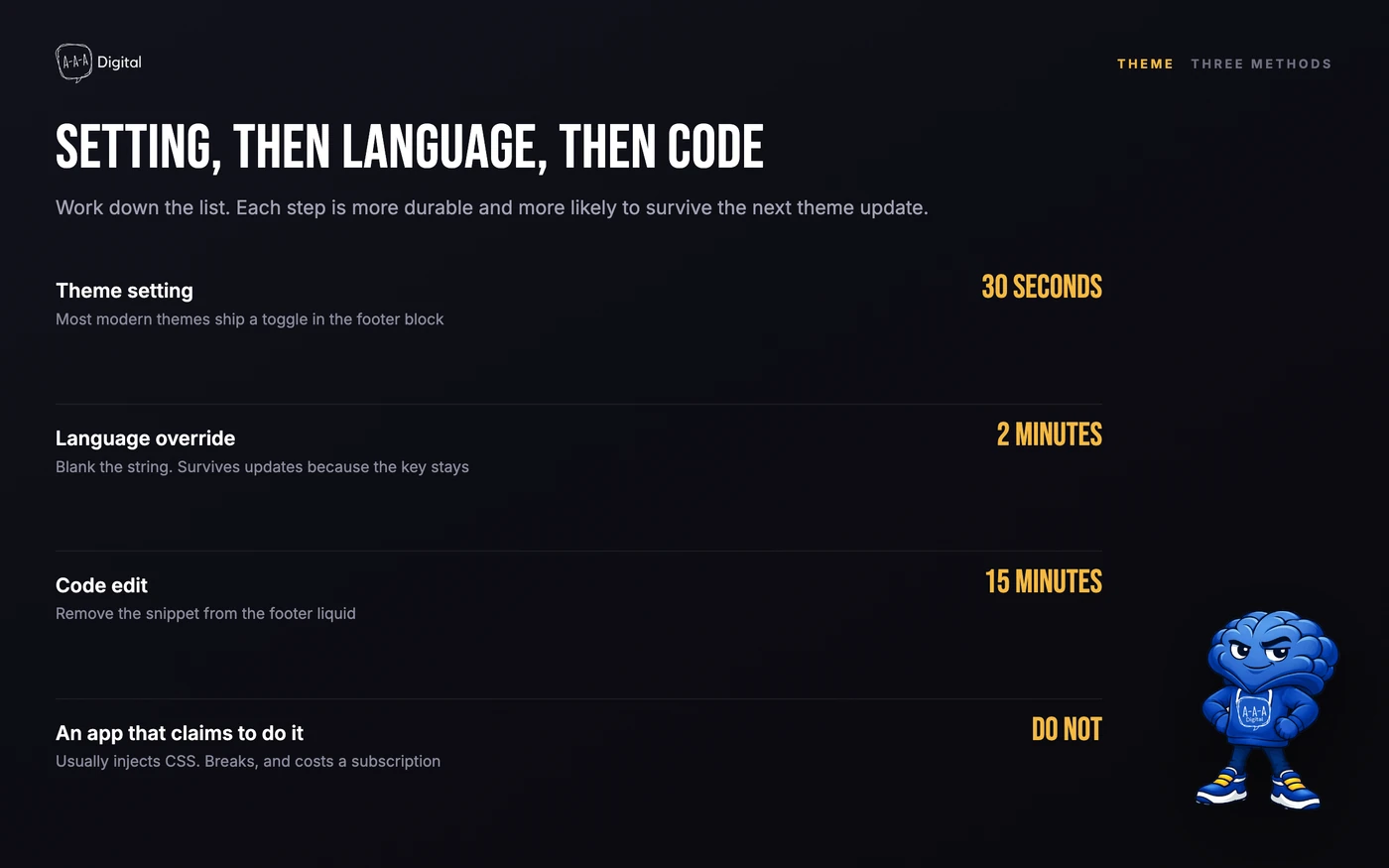
Here are the three routes, safest first. Total time if everything cooperates: about five minutes.
Method 1: Check the theme setting first
Some themes include a footer setting that hides the credit cleanly. In your admin, go to Online Store > Themes > Customize, open the Footer section in the theme editor sidebar, and look for anything referencing the copyright or powered-by line. Toggle it off, save, done.
If your theme has this, stop here. A setting survives theme updates, requires no code, and is the difference between a maintained store and one held together with edits nobody remembers making.
Method 2: The language override (works on every theme)
When there is no toggle, the standard fix is to make the credit say nothing:
- Go to Online Store > Themes.
- Click the three dots on your live theme and choose Edit default theme content (older admin versions label this "Edit languages").
- In the search box, type powered.
- You will see a field labeled something like Powered by Shopify. Replace its contents with a single space. Do not leave it empty; some themes re-insert the default when a field is blank.
- Save.
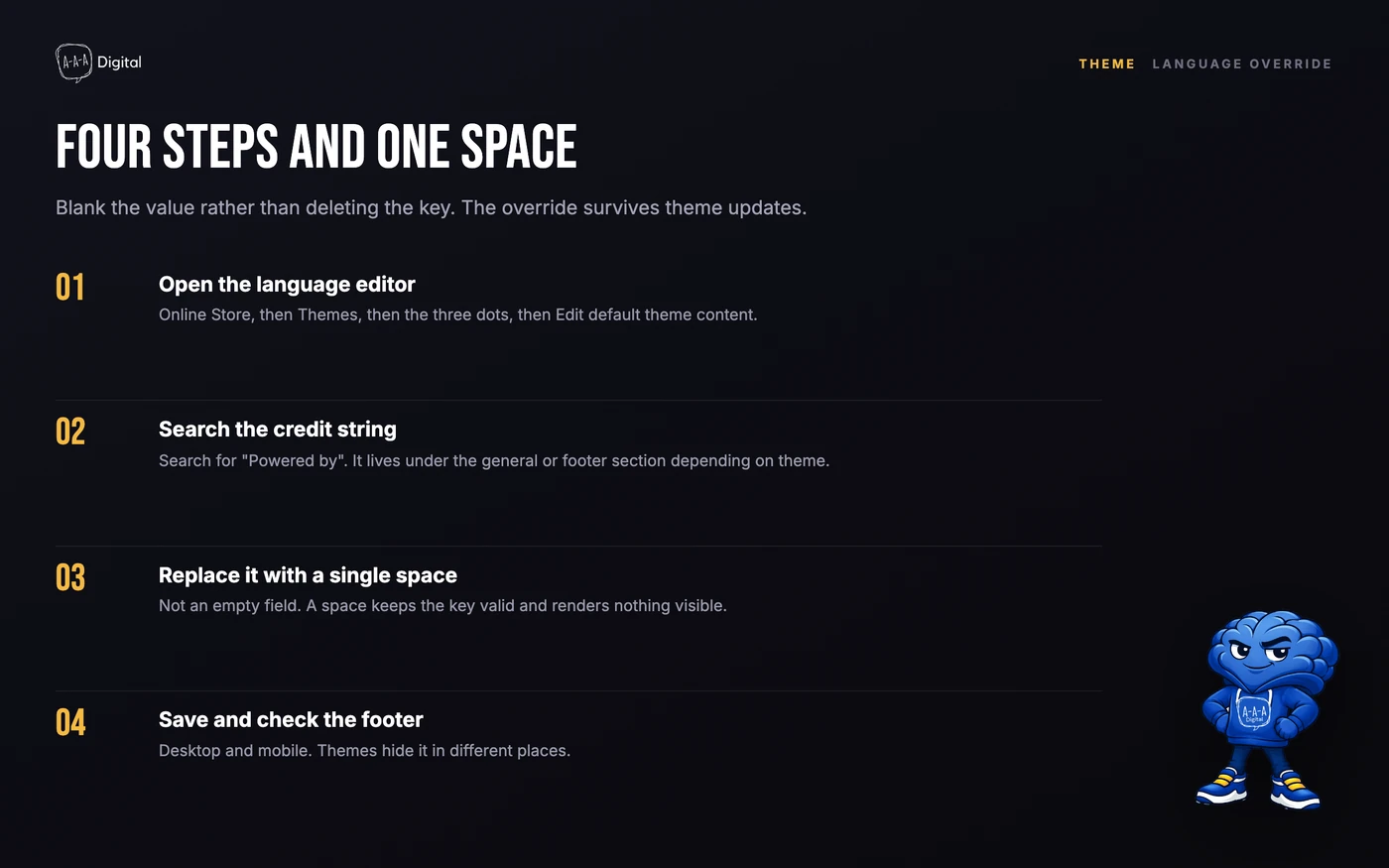
The footer line disappears. This is a translation override, not a code change, so it survives theme updates and can be reverted by clearing the field.
Method 3: The code edit, for when you mean it
If you want the markup gone rather than hidden:
- Online Store > Themes > three dots > Edit code.
- Open footer.liquid (in Sections, sometimes named
footer.liquidor within a footer group file). - Find the line containing
{{ powered_by_link }}and delete that line or liquid tag. - Save and check the storefront.
This is absolute and it is also the most fragile option: theme updates can reintroduce the file, a typo in this file can white-screen your footer, and you now own a code customization for a two-word change. Use it when you are hiding the credit inside a custom footer structure, not as the default approach.
What not to do
Do not install a paid app for this. Several apps in the App Store charge a monthly fee to perform the language override above. There is no feature they can add; the credit is a text string.
Do not delete translation keys. Blank the field with a space instead of removing keys. Deleted keys break theme-check tooling and multilingual stores in ways that surface much later.
Do not confuse it with checkout branding. The footer credit is storefront-only. Checkout branding (logo, colors) is controlled separately in plan-dependent settings, covered in our checkout customization guide.
One honest counterpoint
Removing the credit is a polish detail, not a growth lever. If your store still shows a generic theme demo in the hero, the footer credit is not the trust problem. Fix footer polish in the same pass as the rest of your brand surface, and spend your serious hours on the conversion problems that actually cost orders.
FAQ
Is it legal to remove Powered by Shopify? Yes. Shopify permits removing the credit on any plan. It is a default, not a licensing condition.
Why does Powered by Shopify keep coming back? Theme updates can restore code-level removals (method 3). Use the language override (method 2), which persists across updates.
How do I remove it without editing code? Use Edit default theme content, search "powered", and replace the Powered by Shopify field with a single space. No code editor involved.
Does removing it affect my SEO? No. The credit is a plain text link that passes negligible value either way. Your footer is not where rankings are decided.
Can I replace it with my own copyright line? Yes. The same language field accepts any text, and most themes have a separate copyright field in footer settings for exactly that.
Small fixes like this are the kind of ten-minute jobs that pile up until someone clears them in an afternoon. If your list is longer than an afternoon, that is what our Shopify experts are for.
