Two packaging inserts go out the same week, for similar products, in similar boxes. One carries a QR code that gets scanned by one customer in a hundred and twenty. The other gets scanned by one in twelve. The codes look identical on paper.
The difference only shows when you scan them. The first code dumps the customer on the store homepage and asks them to find their own way back to the thing they just bought. The second lands on a mobile product page with the right variant pre-selected and a reorder flow that takes ten seconds. When a QR code underperforms, the code is rarely the problem. The destination almost always is.
This post covers where to point the codes, how to build them, and the uses that pay.
What a Shopify QR code can link to
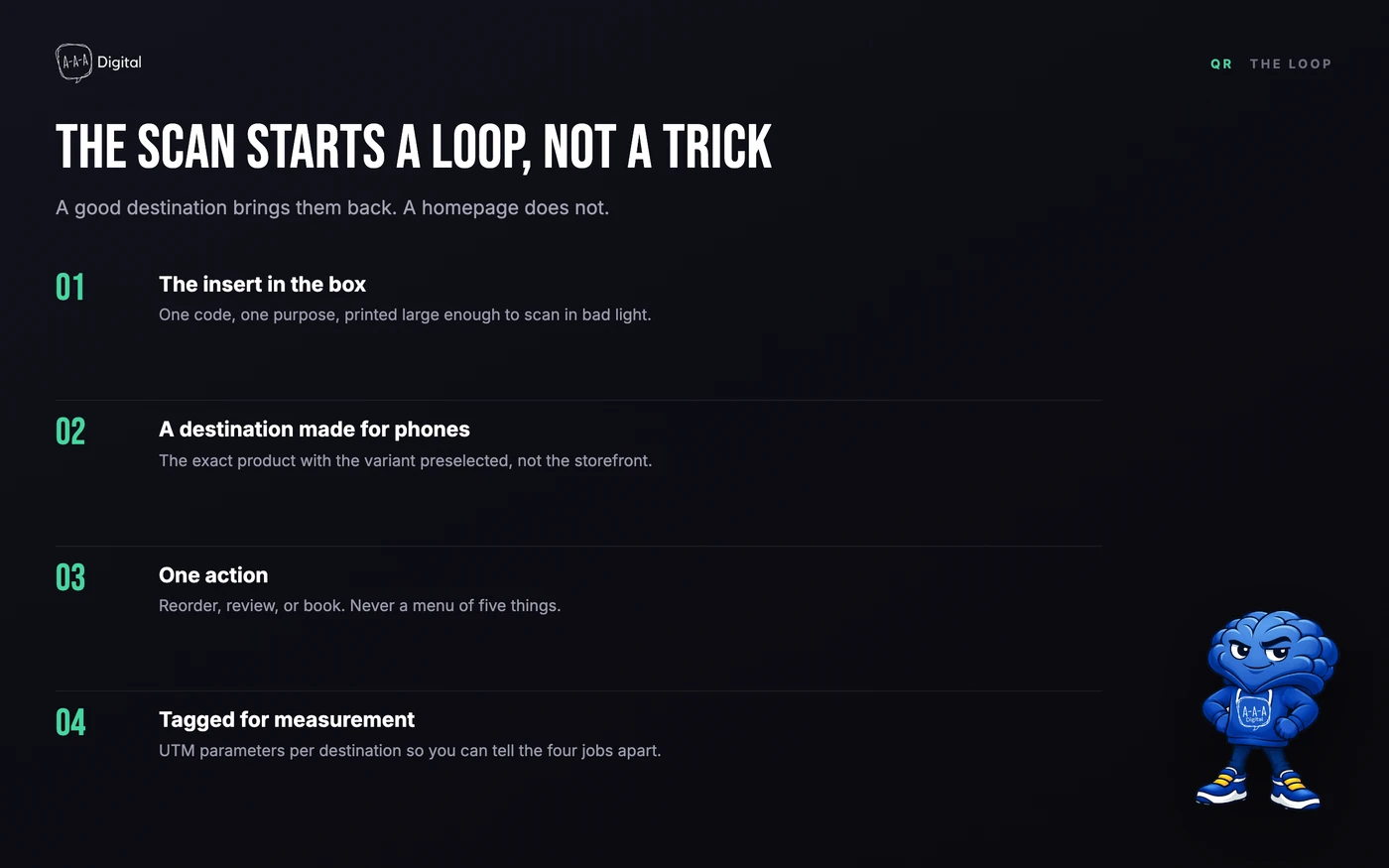
A QR code is a printed URL in a camera-friendly costume. For a Shopify store, the destinations worth printing are narrower than most merchants expect:
- A product page. The workhorse. Best when the code sits right next to the product: on its box, shelf tag, or receipt line.
- A collection. For spots where one product is too narrow, like a window decal pointing at new arrivals.
- A cart permalink with a discount pre-applied. The one most stores miss. A cart permalink opens your checkout with items already in the cart, and attaching a discount code applies it automatically. Every Shopify discount has a shareable link, and the cart format pre-loads the exact variant. An insert code can land on one-tap checkout with 15% off already inside.
- A review request page. Review platforms like Judge.me give you a request URL that opens a pre-filled review form. Printing it on the insert skips the email step.
Everything else, homepages, blog posts, social profiles, tends to measure near zero. If the destination does not continue the moment the code was scanned, the scan dies there.
How to create a QR code for your Shopify store
First, the honest part: Shopify has no prominent built-in QR generator in admin. The old Shopcodes app was discontinued, and nothing native has replaced it. In practice we use one of two routes.
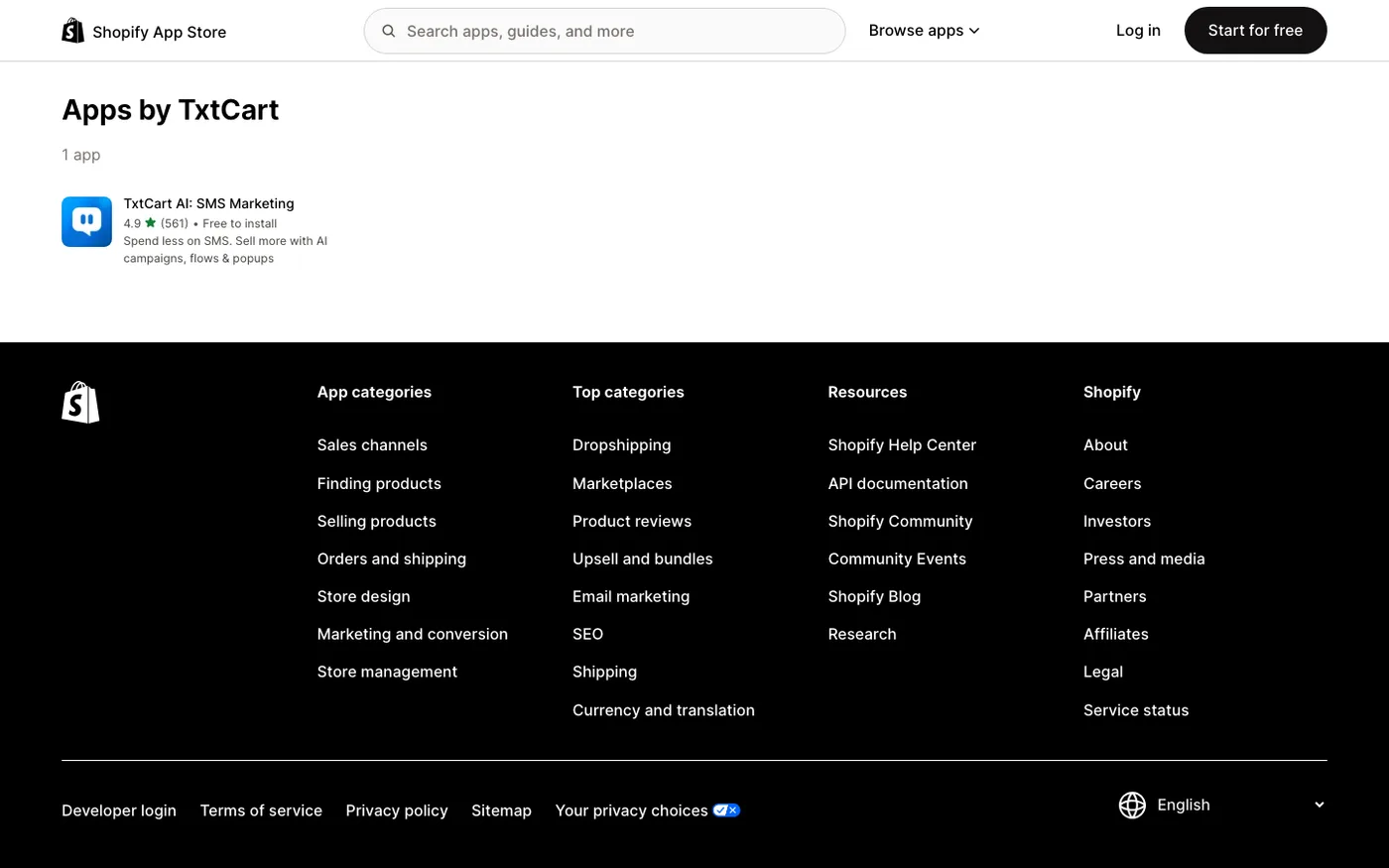
Route one: a QR code app from the Shopify App Store. A shelf of them exists, most with free tiers. What matters is dynamic codes and per-code scan analytics, not templates. Create a code, paste your destination URL, download the print file.
Route two: any external QR generator. Paste the UTM-tagged URL, generate, export as SVG or PDF so your printer gets a vector file. No Shopify access needed, because the code just points at a Shopify URL.
The workflow is the same either way:
- Pick the destination first. Product, collection, cart permalink, or review link. Never the homepage.
- Add UTM parameters so scans show up in analytics as their own channel.
- Generate it as a dynamic code, meaning the generator hosts a redirect you can edit later. Static codes bake the URL into the pattern and cannot change after print.
- Export a vector file, place it at 2x2 cm or larger, and test the final artwork on at least three phones before the print run.
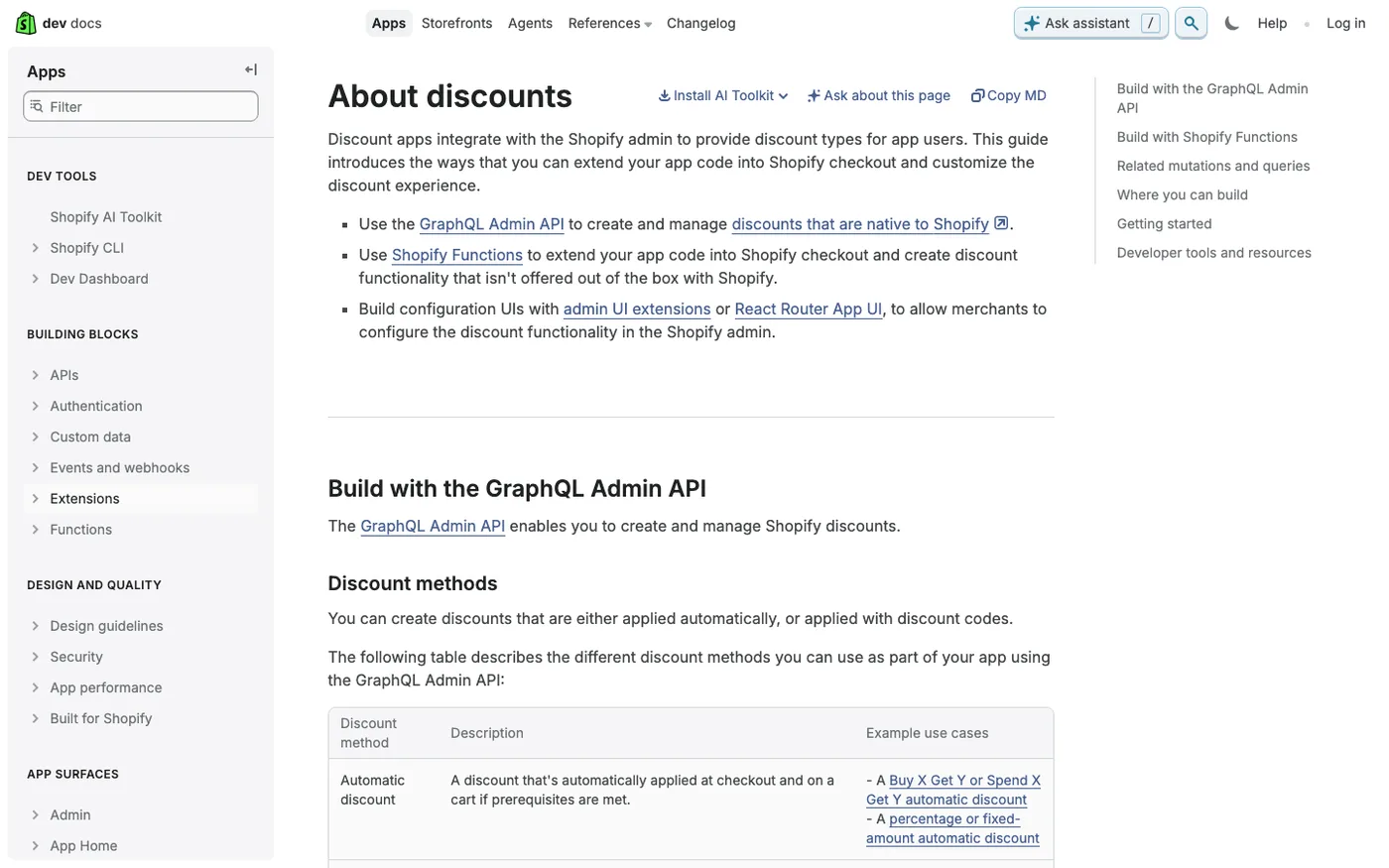
One note for the technically inclined: for custom tooling, apps can generate QR codes through Shopify's Admin API, which is how branded in-store signage gets produced at scale. For a handful of inserts and cards, the manual routes above are faster and free.
The four uses that pay for the ink
Most printed codes waste money. These four earn it, because each connects a physical moment to a digital action the customer already wants to take.
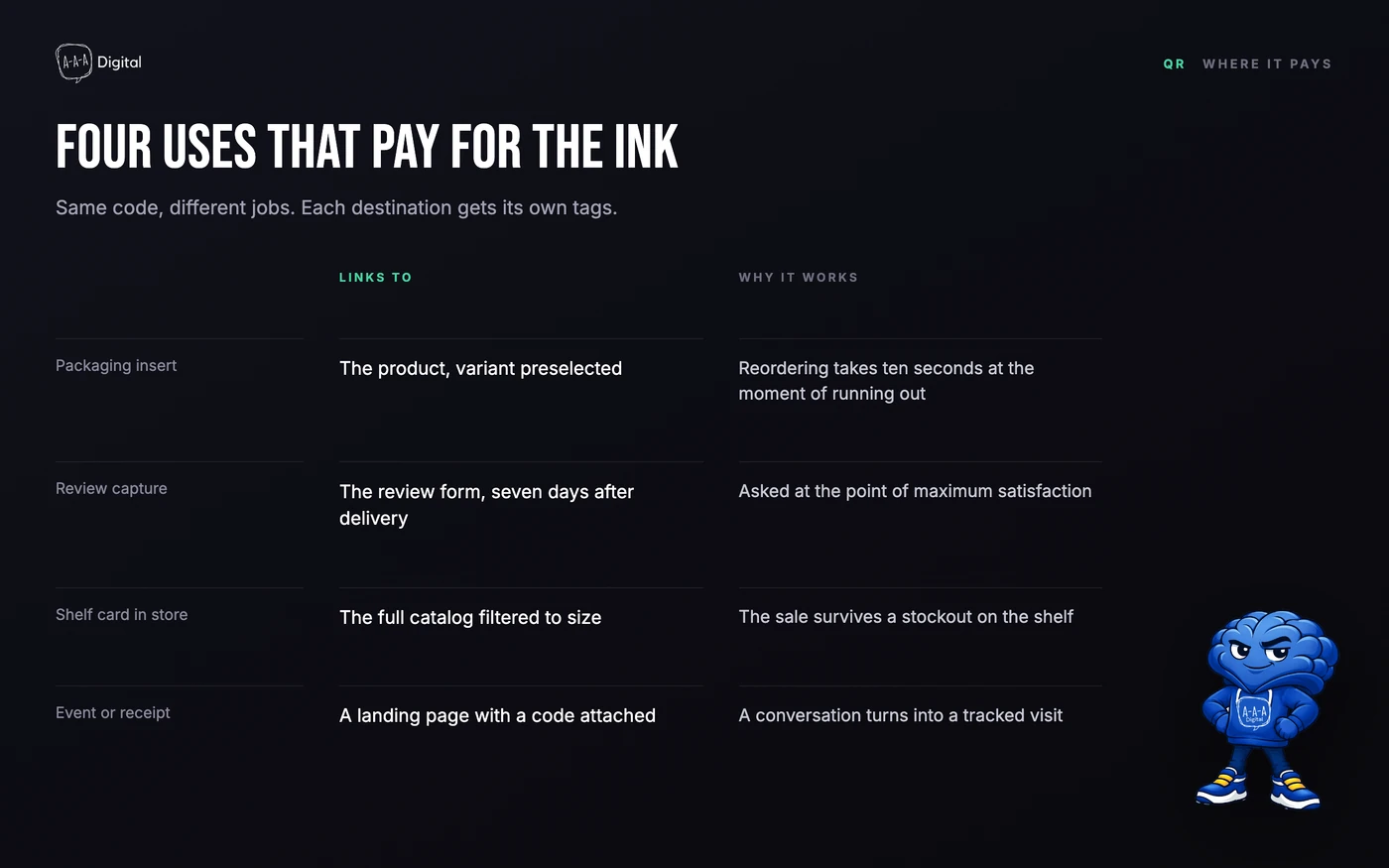
1. The packaging insert reorder. An insert that says "running low?" and points straight at the product page reaches people at the exact moment the product is in their hands. We have seen well-run inserts hold an 8% scan rate. UTM-tag it as insert and check the report monthly.
2. Review capture. The insert does one job well, so choose deliberately: reorder or review. The review version points at your platform's request URL and asks for a rating seven days after delivery. It is the cheapest retention loop a store owns, and it slots into the broader flow in our post-purchase experience guide.
3. The in-store save-the-sale. A shopper's size is gone from the shelf. A small card in the empty slot, "scan to order online," turns a stockout into an online order. The same logic runs on window decals after hours and on receipts.
4. Events and booth cards. Markets, pop-ups, trade shows. A card in every bag turns a two-minute booth conversation into a follow-up visit, and if the destination is a signup page with a welcome discount, an email list entry. Print one code per event so you know which weekend paid.
The rules that make scans convert
The gap between a 0.2% insert and an 8% insert is almost never the design. It is the discipline around it.
- UTM-tag every destination.
utm_source=qr,utm_medium=packaging_insert,utm_campaign=spring_reorder. Untagged scans are invisible in analytics, and invisible means unimprovable. - Treat mobile speed as part of the code. Every scan lands on a phone, often on cellular. If the page takes six seconds, the scan bounces. Our Shopify page speed guide covers the fix.
- Print at 2x2 cm minimum, high contrast, quiet zone. Dark code on light background, empty margin around it. Short URLs produce simpler patterns that survive rough printing.
- Test the final artwork, not the screen preview. Scan from three phones, one old, one in dim light. Glossy stock and curved surfaces change how codes read.
- Use dynamic codes. Products get discontinued, discounts expire, campaigns rotate. A dynamic code lets you retarget the print without reprinting it, and any code pointing at a discount must stay editable or it dies the day the sale ends.
The mistakes we keep cleaning up
The patterns repeat across audits, so here is the short list.
Sending scans to the homepage. The customer scanned because a specific thing was in front of them. The homepage makes them search for it again, and most will not.
No UTM tags. The merchant knows scans are "working" because customers mention them. Nobody can say which insert or event earned the order.
Untested codes. A code that reads on the designer's monitor but fails on the matte laminate. Found after ten thousand prints.
Codes that expire. A free dynamic tier lapses or a discount link dies, and a warehouse of inserts points at a 404. Assign an owner and a calendar check.
Tiny codes on glossy stock. Below 2x2 cm, or under a glare finish, scan rates fall off a cliff. Bigger and matte beats reprinting.
FAQ
How do I create a QR code for my Shopify store? Shopify has no prominent built-in generator since the Shopcodes app was discontinued. Install a QR code app from the Shopify App Store, or paste your store's URL into any external QR generator and export a print-quality file.
Can a QR code apply a discount on Shopify? Yes. Build a cart permalink with the items pre-loaded and append the discount code, or use the discount's shareable link. The customer lands on checkout with the reduction already applied.
How do I track QR code scans in Shopify? Add UTM parameters to the destination URL, then read the scans as a campaign in your analytics. QR apps also count raw scans, but UTMs are what tie scans to actual orders.
What size should a QR code be for print? At least 2x2 cm for packaging and cards, larger for anything scanned from a distance like window decals or shelf signage. Keep high contrast and a clear margin around the code.
Do QR codes expire? Static codes never expire but cannot be edited. Dynamic codes can be retargeted after print, but depend on the generator staying live, so use a reputable provider and check codes before each campaign.
Are Shopify QR code apps free? Most have free tiers that cover a handful of dynamic codes, which is plenty for inserts and signage. Paid tiers add bulk generation and deeper analytics.
A QR code is the cheapest bridge a store can build between the physical world and a checkout. The stores that win with them treat the destination as seriously as the print run. If you want the scan-to-sale path audited end to end, our Shopify CRO service covers the landing side and our Shopify experts handle the build. Book a free strategy call and we will map it to your catalog.
