Redirects are the least glamorous part of SEO and the most dangerous to get wrong.
A store owner renames a collection from "summer-2025" to "new-arrivals" and lets the old URL 404. Another migrates from WooCommerce, assumes Shopify "handles redirects automatically," and watches organic traffic fall off a cliff over the next six weeks. We've handled replatforms where the previous agency left thousands of product URLs returning 404s, and recovering from that takes months even when you fix everything immediately.
Shopify URL redirects are simple once you understand what the platform does for you, what it refuses to do, and where the sharp edges are. This guide covers the redirect types that matter on Shopify, exactly how to create them (in bulk and individually), and the mistakes we see costing stores rankings every single week.
How Shopify Handles Redirects
Shopify has one redirect mechanism: the URL Redirects tool, found at Online Store → Navigation → View URL Redirects. That's it. There's no server-level config like you'd get on Apache or Nginx, no .htaccess, no redirect plugins.
Every redirect you create there is a 301 permanent redirect from an old path to a new one. When a visitor or Googlebot hits the old URL, Shopify serves a 301 and sends them to the target.
What Shopify does automatically:
- When you change a product or collection handle, Shopify creates a redirect from the old handle to the new one. This is genuinely useful, and it saves you from broken links after routine renames.
- When you delete a product or page, Shopify keeps any existing redirects pointing to it alive.
What Shopify does not do automatically:
- Redirect query strings. A redirect from
/products/blue-shirtwill not catch/products/blue-shirt?variant=123. In most cases that's fine, but we've hit edge cases during migrations where legacy URLs carried parameters Shopify ignores. - Redirect your domain apex to www (or vice versa) in every DNS setup. That part lives under Settings → Domains, not in the redirect tool.
- Fix anything when you migrate from another platform. This is the big one. Every URL from your old store needs a redirect created manually or via import, or it 404s.
- Redirect subdomains other than the ones you explicitly connect.
Knowing that boundary matters. When a client asks us "will Shopify handle my migration redirects," the honest answer is: only what you tell it to.
When You Actually Need Redirects
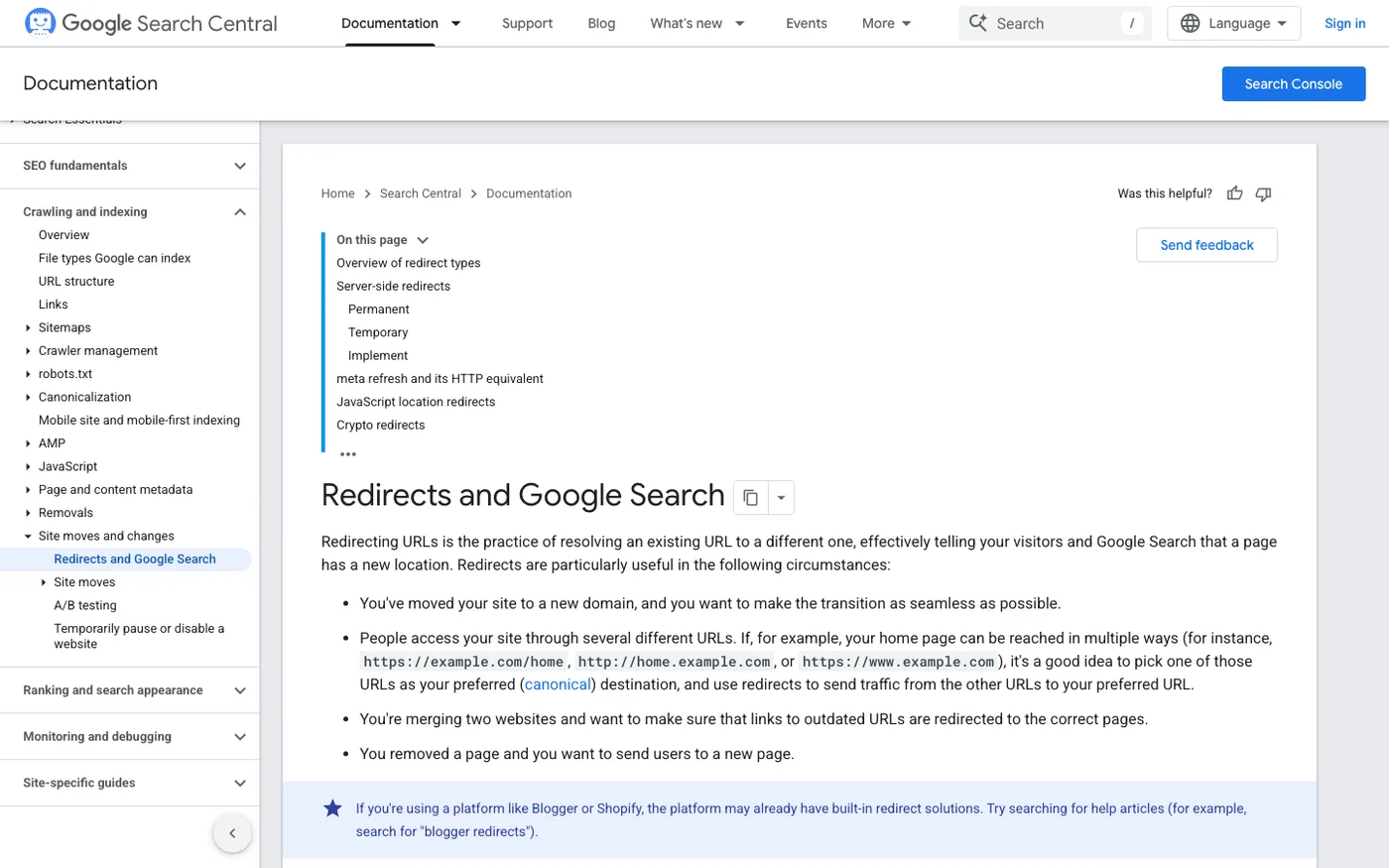
Not every URL change deserves a redirect. Here's our decision framework:
Always redirect:
- Any URL that has backlinks, organic traffic, or rankings, and its content is moving to a new address
- Every indexed URL affected by a migration or domain change
- Old collection and product URLs after a site restructure
- Outdated URLs you still link to from email campaigns, ads, or social bios
Usually skip the redirect:
- Pages that never earned traffic or links and have no close equivalent on the new site. Let them 404; Google handles clean 404s fine.
- Duplicate URLs created by parameter sorting or filtering, which you should handle with canonicals instead
- URLs from a staging domain that was never indexable
The cost of skipping a redirect is asymmetric. A few hundred extra redirects in the system costs you nothing. One missing redirect on a page with 40 backlinks costs you link equity every day it stays broken.
Creating Redirects in Shopify
The One-Off Method
For a handful of URLs:
- Go to Online Store → Navigation → View URL Redirects.
- Click Create URL redirect.
- In "Redirect from," enter the old path only, no domain, no leading slash issues. Shopify wants
old-collection, nothttps://yourstore.com/old-collectionor/old-collection. - In "Redirect to," enter the new path or full URL.
- Save.
Test it immediately by visiting the old URL in an incognito window. It should resolve in one hop. If you see a redirect chain (old URL → intermediate → final), fix it. Chains dilute link equity and slow crawling.
The Bulk Method
For migrations, you'll have hundreds or thousands of redirects. Don't create them by hand.
Go to Online Store → Navigation → View URL Redirects → Import. Shopify accepts a CSV with two columns: Redirect from and Redirect to. Export your old platform's URL list (from a Screaming Frog crawl or the old sitemap), map each old URL to its closest equivalent on the new store, and upload.
Two details that burn people here:
Match the column headers exactly. Shopify is picky about the CSV format. If your import fails silently, it's almost always a header typo. Download Shopify's sample CSV first and match it.
Map every URL to the closest equivalent, not the homepage. Sending 500 deleted product URLs to your homepage is called a soft 404 redirect chain, and Google treats it as an error. We'd rather map an old product to its parent collection than to the homepage. Homepage redirects signal to Google that the redirect is a catch-all, and they'll start ignoring your redirects altogether.
For large migrations we build the mapping spreadsheet in advance: crawl the old site with Screaming Frog, export the HTML pages, and manually assign targets. It takes a day of tedious work for a 5,000-product catalog. It saves three months of ranking recovery.
Redirect Chains and Loops: The Silent Killers
A redirect chain happens when URL A redirects to B, and B redirects to C. Googlebot follows chains up to about five hops before giving up. Users on slow connections may never get there.
Chains happen naturally over time on stores that get "maintained" by multiple people. Someone renames a product, Shopify auto-creates a redirect, then someone renames it again a year later. Now /products/red-shirt → /products/crimson-shirt → /products/scarlet-shirt. Works, but wasteful.
A redirect loop is worse: A redirects to B, and B redirects back to A. The page never loads. Browsers show an error. Google drops the page.
Fixing both is straightforward but tedious. Crawl your store with Screaming Frog (filter by response code 301 and 302, then check "Redirect chains" under Reports) and flatten every chain to a single hop: old URL straight to final destination. Delete the middle redirects once nothing references them.
We run this crawl quarterly on stores we manage. On neglected stores, we routinely find chains four and five hops deep. One store had a redirect chain caused by three consecutive "temporary" collection renames over two years, and the original URL still earned backlinks from a press mention. Nobody had noticed.
The Migration Mistakes That Actually Cost Rankings
Most redirect guides stop at "create 301s." Here's what actually goes wrong on Shopify migrations, because we fix these every month.
Assuming Shopify imported your old URLs. It didn't. Every URL on your old platform, every product, collection, blog post, and CMS page, needs an explicit redirect. The number one cause of post-migration traffic drops is a redirect map that covered products but missed blog posts and informational pages, which often carry the most backlinks.
Ignoring the trailing slash and protocol. Your old store might have served /collections/shoes/ and Shopify serves /collections/shoes. Browsers and Google usually treat these as equivalent, but when you're building redirect CSVs, inconsistent trailing slashes create duplicate entries and confusion. Pick one convention and stick to it. Shopify uses non-trailing-slash URLs natively.
Leaving the old site live. If your old platform stays accessible at its domain, even "hidden," Google may keep crawling it and indexing duplicate content. Take the old site down, or password-protect it, after DNS cuts over. Keep the old sitemap in Search Console long enough to watch 301 coverage, but don't leave the site itself crawlable.
Not updating internal links. Redirects are a safety net, not a fix. If your navigation, collection descriptions, and blog posts still point at redirected URLs, you're forcing Googlebot through unnecessary hops and leaking a small amount of equity on every crawl. After a migration, crawl the new store and update every internal link that resolves to a redirect. This is boring work. It matters.
Changing URLs for aesthetic reasons. Clients ask us to restructure handles all the time: /products/sku-1042-blue-widget becomes /products/blue-widget. Fine for new products, but if the old URL ranked, you're spending equity to rename a URL nobody but the SEO team ever sees. Our rule: don't change a URL that earns traffic unless the new structure delivers a real benefit.
How to Audit Your Redirects
Whether you inherited a store or launched one yesterday, a redirect audit belongs in your quarterly checklist.
- Crawl the whole store with Screaming Frog. Export all 301s and 302s. There shouldn't be many internal 301s, internal links should point at final URLs directly.
- Check for redirect chains and loops. Screaming Frog's Redirect Chains report finds them instantly.
- Pull your backlink profile (Ahrefs, Semrush, or Moz) and filter for URLs returning 301. Confirm each one redirects to the closest equivalent, not a generic page.
- Review Search Console's Pages report for spike in "Page with redirect" exclusions, which can reveal redirects created accidentally.
- Spot-check high-traffic pages manually. Your top ten landing pages should each resolve in a single hop with no chain.
On a well-maintained store this audit takes an afternoon. On a store that's gone through multiple redesigns without an SEO owner, expect to find messes. Sort the fixes by traffic impact and work down the list.
Frequently Asked Questions
Does changing a product handle in Shopify break my old links?
Usually no. Shopify automatically creates a 301 redirect from the old handle to the new one when you change it. The exception is if you've already created a manual redirect from that old handle to somewhere else, in which case the automatic redirect won't override it. Always test the old URL after a rename, and update internal links pointing at the old handle.
Can I do 302 or wildcard redirects on Shopify?
No, Shopify's redirect tool only creates 301 redirects, and there's no native wildcard or regex matching. If you need temporary redirects or pattern-based rules, you'd handle them at the DNS/CDN layer (Cloudflare works well for this) or with a Shopify Plus-level customization. For 99% of stores, plain 301s are what you need anyway; the cases calling for 302s are rarer than most guides suggest.
How many redirects can a Shopify store have?
Practically, thousands. Shopify's import tool handles large CSVs, and we've imported redirect maps with 10,000+ rows without issue. Performance doesn't degrade meaningfully because redirects are matched against the request path directly. If you're approaching tens of thousands, that's a sign of a structural problem worth solving at the URL level instead.
What's the difference between a redirect and a canonical tag on Shopify?
A redirect moves traffic and search engines from one URL to another permanently; the old URL stops existing as a destination. A canonical tag tells Google which of several live URLs is the "official" one when duplicates exist, like product variants accessible via multiple collection paths. Use redirects when content moves, canonicals when duplicates must stay live. Mixing them up confuses Google about which signals to consolidate.
Will redirects pass my full link equity?
Mostly, not perfectly. Google's official line for years has been that 301s pass roughly equivalent PageRank to a direct link, but "roughly" is doing work in that sentence. In practice, a redirect chain, a redirect to an irrelevant page, or a redirect loop will all leak equity. A single clean 301 to a closely matching page preserves rankings in the overwhelming majority of cases we've tracked.
Redirects are plumbing: invisible when they work, catastrophic when they leak. If you're planning a migration, a restructure, or you suspect years of redirect debt are holding your rankings back, our Shopify SEO service handles the full audit, redirect mapping, and post-migration monitoring. We've launched 200+ Shopify stores, and the migrations that keep their traffic are the ones where redirects got done right the first time.
