We run SEO audits on Shopify stores every week, and the same pattern keeps showing up. A merchant spends $3,000 a month on a blog writer, or hands a link-building budget to an agency, while their store has 400 pages of duplicate titles, a robots.txt blocking half the catalog, and a checkout page that 404s in Google. No amount of content fixes a technical mess underneath it.
The frustrating part is that most of these problems are cheap to fix. One afternoon in Google Search Console often does more for a store's organic traffic than six months of blog posts. Across the 200+ Shopify stores we've launched and rebuilt, we've seen average organic traffic climb around 9x, and in almost every case the gains started with the boring stuff on this list.
So before you spend another dollar on SEO, work through these 21 fixes in order. They're roughly sequenced by impact: the early ones make everything after them easier.
Shopify SEO Foundation: Fix These First
1. Verify your site in Google Search Console
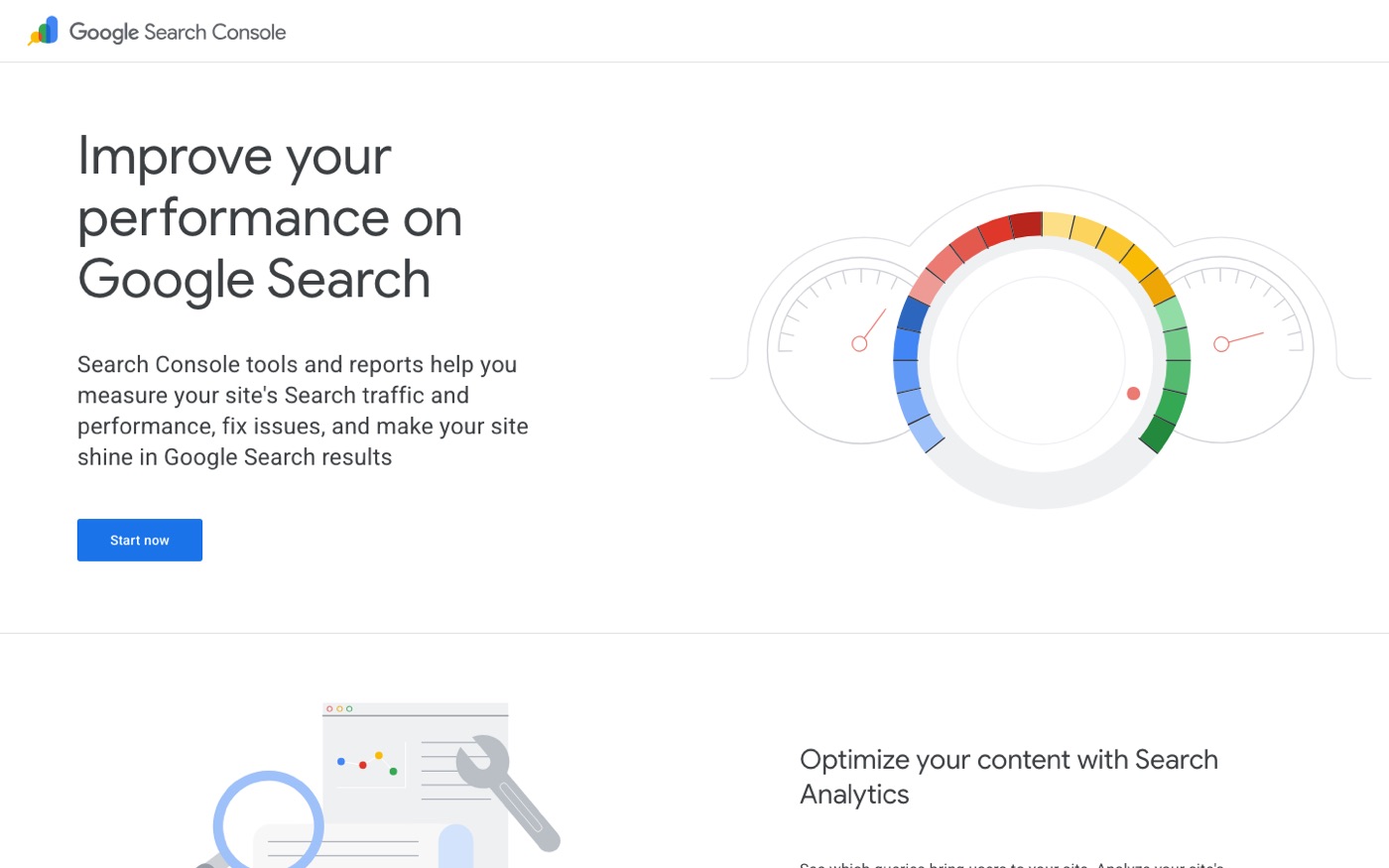
Go to Google Search Console, add your property, and verify it. If you skip this, you're flying blind on what Google actually sees. Check the Coverage report for the word "Duplicate" appearing next to hundreds of URLs. That's your first clue something is wrong.
2. Submit your sitemap
Shopify generates a sitemap automatically at yourstore.com/sitemap.xml. Submit it in Search Console under Indexing > Sitemaps. It costs you thirty seconds and helps Google find new products faster.
3. Set your preferred domain
Decide whether your canonical domain is www or non-www, then make sure Search Console, your internal links, and every backlink point at the same version. Shopify handles the redirect, but we still see stores with half their links going to the wrong variant.
4. Set up Bing Webmaster Tools
It's free, it imports from Search Console in two clicks, and it still drives a meaningful slice of desktop traffic, especially for US audiences over 35. Nobody talks about Bing, but there's no reason not to take its traffic.
5. Install Google Analytics 4 properly
Use Shopify's built-in GA4 integration under Settings > Customer events, or Google & YouTube channel settings, depending on your setup. We've walked into too many client accounts where "SEO traffic" was actually a tracking artifact.
Indexing and Crawl Control
6. Check your robots.txt
Shopify's default robots.txt blocks /cart, /checkout, and admin paths. That's correct. What we've seen go wrong is leftover custom robots.txt rules from a migration that block entire collections. Audit this file line by line.
7. Canonicalize your filtered collection pages
This is the single biggest Shopify SEO problem we see. A store with a "Dresses" collection and filters for size, color, and price can generate thousands of near-identical URLs like /collections/dresses/color_red?sort_by=price-ascending. Google crawls them all and treats your site as thin and repetitive. Make sure your theme or SEO app canonicals filtered URLs back to the base collection, and noindexed pages you can't canonicalize.
8. Fix paginated collection titles
Page 2 of a collection should have a unique title tag, typically "Collection Name, Page 2". Most free themes handle this, but we've seen paid themes charge $300 and get it wrong.
9. Remove internal search result pages from the index
Your /search?q=... URLs should be noindexed. They produce near-duplicate content at scale, and Google has explicitly said it doesn't want them in its index.
10. Handle out-of-stock products correctly
Never delete a product page with backlinks or traffic. If it will return, keep the page live with an email capture. If it's gone forever, 301 redirect it to the closest equivalent. Deleting URLs and leaving 404s is how stores quietly lose years of accumulated authority.
On-Page Optimization
11. Rewrite duplicate title tags
In Search Console's Page Experience or by crawling with Screaming Frog, pull your title tags. If more than a few dozen are identical or near-identical, fix the template first: {Product Name} – {Collection or Brand} | Store Name. Then hand-write titles for your top-revenue pages. Templates for the long tail, humans for the money pages.
12. Write meta descriptions that earn the click
Meta descriptions don't rank you directly, but a good one lifts click-through rate, which does matter. Write them for your top 50 pages by traffic. Skip the rest initially; Google rewrites most of the long tail anyway.
13. Use one H1 per page
On product pages, the H1 should be the product name. On collections, the collection name. Some page-builder sections break this by adding multiple H1s. Right-click and inspect, or run Screaming Frog with the heading report enabled.
14. Optimize collection pages like landing pages
Collections are where Shopify SEO wins are hiding. They outrank product pages constantly for commercial queries. Add 150–300 words of genuinely useful copy above or below the product grid, and give each one a unique title, description, and image alt text. If you want a deeper look at how we approach this, our Shopify SEO service covers collection architecture in detail.
15. Write alt text that describes, not stuffs
Alt text is for accessibility first, SEO second. "Black leather Chelsea boot with crepe sole, side view" beats "buy black boots online best price boots". Describe the image. Skip alt text on decorative images.
Speed and Experience
16. Run PageSpeed Insights and fix the top three issues
Run your homepage and a product page through PageSpeed Insights. Ignore the score theater; focus on Core Web Vitals. On Shopify the usual offenders are oversized hero images, too many apps injecting scripts, and render-blocking third-party pixels. Compress hero images to WebP under 200KB and audit your app list. If you want help with the technical side, our broader SEO services cover site speed as a core workstream.
17. Lazy-load below-the-fold images
Your theme should do this automatically. If PageSpeed flags images loading before they're needed, it's usually a page-builder or app overriding the theme's default lazy loading.
18. Remove apps you're not using
Every Shopify app can add JavaScript to every page, even if you only use it on one. We routinely cut four or five apps from a client's stack during an audit and watch speed scores jump. Uninstall from Settings > Apps, then check the theme code for leftover snippets.
19. Fix broken internal links
Run Screaming Frog (free up to 500 URLs) and export the 404 report. Every broken internal link wastes crawl budget and leaks authority. Fix or redirect them all.
Content and Structure
20. Set up a logical internal linking structure
Your homepage should link to your main collections. Collections link to products and to each other where it makes sense. Blog posts link to relevant collections. If a page matters, other pages should point at it with descriptive anchor text. This is how Google learns which pages on your store are important.
21. Add structured data and check your rich results
Shopify outputs product schema by default, but verify it under Search Console's Shopping > Product results report. Add FAQ or HowTo schema to your informational pages where relevant using an app or your theme's custom liquid. Rich results won't rank you higher on their own, but a review-starred listing gets clicked more, and clicks compound.
How Long Until You See Results?
Honestly, three to six months for meaningful movement, sometimes longer in competitive categories. Technical fixes get indexed within weeks, but authority builds slowly. The stores that win aren't the ones chasing tricks; they're the ones that fixed the foundation and then kept publishing content worth ranking.
If you've already fixed everything on this list, the next stage is strategy: keyword-mapped content, authority building, and collections engineered to rank. If you haven't, you just found your roadmap.
Frequently Asked Questions
Is Shopify good for SEO out of the box?
Shopify handles the technical basics well: SSL, sitemaps, canonicals on products, and fast hosting are all built in. Where stores fall short is filtered collections, duplicate titles, and speed from app bloat. The platform is fine; the defaults need attention.
How often should I run an SEO audit on my Shopify store?
A full technical audit once a quarter is enough for most stores. If you migrate themes, launch a large catalog, or install several new apps, re-check the indexing and speed items immediately after.
Do I need an SEO app for Shopify?
Not strictly. Shopify's built-in settings cover a lot, and Search Console plus Screaming Frog is free. Apps earn their keep when you need bulk editing, structured data, or automated canonicals across large catalogs.
Why did my Shopify traffic drop suddenly?
Check Search Console's manual actions and security issues first, then recent theme or app changes. The most common culprits we've seen are a migration that dropped redirects, a noindex tag accidentally shipped in a theme update, or a filter system that exploded the crawlable URL count.
Can I do Shopify SEO myself or should I hire an agency?
The fixes in this post are genuinely DIY-able if you have the time and patience. Hire help when the technical issues are above your comfort level, when your catalog is in the thousands, or when you've plateaued and need a strategy rather than fixes.
Rather hand this off than do it yourself? Get a practitioner-led Shopify SEO audit: we fix the foundation first, then build the strategy that grows on top of it.
