Five minutes. That's genuinely how long it takes to connect the Meta (Facebook) Pixel to a Shopify store. Paste an ID, click save, watch events flow into Events Manager. Every YouTube tutorial ends there, and every one of them skips the part that actually determines whether your ads work.
The part they skip: browser-only tracking is dying. Between iOS privacy changes, browser tracking prevention, and ad blockers, a Meta Pixel firing from the browser alone is now capturing roughly half of the conversions it should. Meta knows this, which is why it quietly started penalizing advertisers who don't send server events: worse lookalike quality, weaker optimization, higher costs.
In this guide we'll cover the complete Shopify Facebook Pixel setup we deploy for clients, the Conversions API piece that most stores are missing, and how to check whether your own data is trustworthy before you scale spend.
Quick Primer: Pixel vs. Conversions API
The Pixel is JavaScript on your store that fires events (PageView, ViewContent, AddToCart, Purchase) from the customer's browser. The Conversions API, or CAPI, sends the same events from a server, Shopify's servers or an app's, directly to Meta.
You want both. The browser signal carries rich context (page data, real-time behavior); the server signal survives ad blockers and iOS restrictions. Meta merges them using an event_id so the same purchase isn't counted twice. Send only browser events and you're blind to half your conversions. Send only server events and Meta loses behavioral context. The pairing is called the "best practice setup" in Meta's own documentation for a reason.
Step-by-Step: Connecting the Pixel Natively
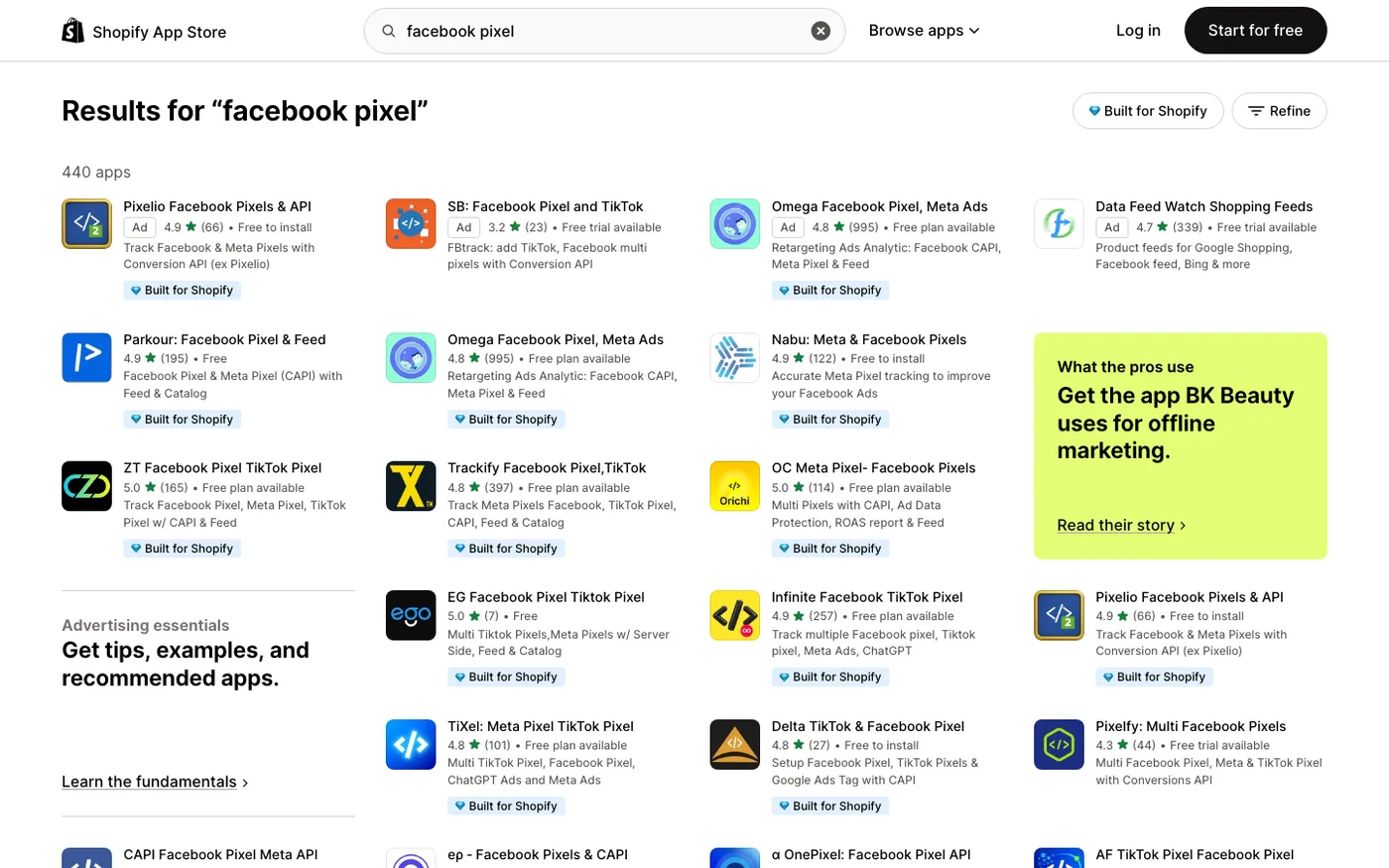
Shopify's built-in Facebook & Instagram channel handles the browser Pixel and a baseline of server events at once. Here's the process:
- In Shopify admin, go to Sales Channels → Facebook & Instagram and start the setup (install the channel from the App Store if it's not there).
- Connect your Meta Business account, then your ad account and Facebook Page. Use a Business account you fully own. Don't set this up through an agency's Business Manager unless you enjoy losing access later.
- When prompted, choose your data sharing level. You have three options: Standard, Enhanced, and Maximum. Choose Maximum. This enables CAPI through Shopify's integration. Choosing Standard is the single most common and most costly mistake we see: merchants set it to Standard, forget, and wonder why Meta underreports conversions by 30%.
- Select the Pixel you want to use, finish the setup, and verify your domain in Meta Business Settings → Brand Safety → Domains.
If you already have a Pixel running through an app like Trackify or through GTM, decide now whether to keep it or migrate. Two Pixels firing simultaneously on one store double-counts everything and poisons your ad account's learning phase. Pick one path. If the Pixel lives in GTM, work through our Shopify GTM setup before you edit the theme.
The CAPI Gap Nobody Mentions
Here's the uncomfortable truth about Shopify's native Maximum data sharing: it works, but it has limits, and Meta's documentation glosses over them.
Shopify's server events fire at the time of the server-side processing. For most stores that's fine. But there are real gaps:
Refunds and order edits aren't sent. If a customer returns a $200 order, Meta still counts that $200 purchase. Over months, your reported ROAS drifts above reality. On stores with high return rates (fashion especially) this is a big deal.
Subscription and post-purchase events are weak. If you use Recharge or another subscription app, the native integration often misses recurring orders entirely, which makes subscription LTV-based lookalikes nearly impossible.
Event match quality is mediocre. Meta scores your events on how much customer data they carry (email, phone, hashed identifiers). Shopify's native CAPI sends a baseline amount; dedicated apps send more, which directly improves attribution and audience quality.
We saw this clearly on a client's account: after migrating from the native setup to Elevar's CAPI layer, event match quality jumped from "Fair" to "Good" on purchases, and reported blended ROAS climbed about 18% in three weeks. Not because ads performed better. Because Meta could finally see what was actually selling.
The practical rule we give merchants: native Maximum sharing is fine under roughly $20K/month in Meta spend. Past that, the attribution gap costs more than a dedicated CAPI app does.
Verifying Everything in Events Manager
Never assume the setup worked. Verify it.
- Open Meta Events Manager → Data sources → your Pixel → Test events, then place a real test order on your store using Shopify's Bogus Gateway or a 100% discount code.
- You should see the Purchase event appear twice, once with a browser icon and once with a server icon, both with the same event_id. That's correct. Two browser events is a duplicate problem; one server-only event means your Pixel isn't firing.
- Check Events Manager → your Pixel → Overview for Event Match Quality scores. We want purchases at "Good" (6.0+) or better. Below that, your server events are thin on customer data.
- Compare Meta's reported purchases for the last 7 days against Shopify's actual orders. Expect Meta to land between 80–95% of Shopify's count with a healthy CAPI setup. If it's below 70%, something is broken or blocked.
- Confirm your domain is verified and your aggregated event measurement is configured. Since iOS 14.5, unverified domains cap at optimizing for link clicks instead of conversions.
Also check the deduplication tab in Events Manager. If you see deduplication rates near zero with both browser and server events flowing, your event_ids aren't matching, and Meta is likely counting some purchases twice.
What We Configure Beyond the Defaults
Once the plumbing is verified, a few settings separate functional tracking from useful tracking:
Value-based optimization. Make sure purchase events pass the actual order value and currency. Meta's default value optimization only works well when the value parameter is accurate and consistent.
Content IDs that match your catalog. If you run dynamic product ads, the content_id in your Pixel events must match the IDs in your Meta catalog. Shopify's native integration handles this, but app-based setups often break it, which is a classic cause of "catalog ads showing wrong products."
UTM discipline. Meta's tracking and Google Analytics attribution both rely on clean UTMs. Our rule for clients: never launch an ad without UTMs, even though Meta reports its own numbers. Our performance marketing service builds UTM conventions into every campaign brief so cross-platform reporting stays reconcilable.
Excluding internal and test traffic. Filter your own team's events by IP in Events Manager, and never test from your personal Facebook account if you can avoid it. Your behavior pollutes your own retargeting pools.
Common Mistakes We Keep Fixing
Old Pixels buried in themes. Merchants who set up a Pixel years ago by pasting code into theme.liquid, then "reinstalled" it via the channel. Both fire. We find this on a depressing number of audits. Check your theme code for fbevents.js or hardcoded Pixel IDs before assuming you're clean.
Maximum data sharing never enabled. Usually the result of a rushed initial setup. Fix: go to Facebook & Instagram channel → Settings → Data sharing, and switch to Maximum.
Using the agency's Pixel. Some agencies run all their clients through one Pixel "for better data." This means the agency owns your signal history. Always use your own Pixel, in your own Business Manager.
Judging ads on last-click. Meta's own reporting is modeled and gets adjusted for days after you look at it. Evaluate on 7-day windows minimum, and reconcile against Shopify orders weekly, not daily.
Frequently Asked Questions
Is the Meta Pixel still worth installing with iOS privacy changes?
Yes, more than ever, but only alongside the Conversions API. The browser Pixel alone loses a large share of events to tracking prevention. The combination is what Meta optimizes against, and advertisers running both consistently see better delivery and lower costs than Pixel-only setups.
What's the difference between the Facebook & Instagram channel and an app like Elevar?
The native channel is free and handles baseline Pixel plus server events. Elevar and similar apps add richer server-side event data, refund reconciliation, subscription event support, and better event match quality. We recommend native for stores under roughly $20K/month in Meta spend, and a dedicated CAPI app above that.
Why is Meta showing more purchases than Shopify?
Usually duplicate events, the same purchase firing from both an app and the channel without matching event_ids. Occasionally it's view-through conversions, which Meta counts but Shopify never will. Consistent double-counting above 10–15% means fix your deduplication.
Can I run two Pixels on one Shopify store?
Technically yes, practically don't. Multiple Pixels fragment your event history across ad accounts and make deduplication a nightmare. If you're merging brands or migrating, use Meta's data migration tools instead.
Do I need the Pixel if I only boost posts occasionally?
Honestly? If you're spending under a few hundred dollars a month, the native channel setup in ten minutes is all you need. The CAPI layer earns its keep when ad spend is meaningful enough that a 15% attribution error changes real budget decisions.
Get Help With This
Meta's tracking stack is unforgiving: it mostly works even when it's configured wrong, right up until your ad costs quietly double and nobody can say why. If you'd rather have the Pixel and Conversions API set up, deduplicated, and verified by people who do it every week, our performance marketing team handles exactly that for Shopify stores, then reconciles the numbers so Meta, GA4, and Shopify finally agree.
