In 2024 we took over a replatforming project three weeks after launch. The merchant had moved from Magento to Shopify, everything looked fine on the surface, and their organic traffic had fallen 55%. Not dipped. Fallen. The old URLs returned 404s, the metadata hadn't transferred, and the new sitemap had never been submitted to Google Search Console. That project is why we treat every ecommerce SEO migration as a ranking-preservation exercise first and a platform move second.
We recovered most of it over the following three months. But the revenue lost in those weeks was gone forever, and the whole disaster was preventable with a checklist.
That's the pattern we've seen across 200+ Shopify builds: SEO traffic loss after a replatform isn't bad luck, it's skipped steps. This guide walks through the ecommerce SEO migration process we run on every project: the redirects, the metadata, the structured data, and the post-launch monitoring. Follow it and you keep the rankings you spent years earning.
Why Ecommerce SEO Migrations Lose Traffic
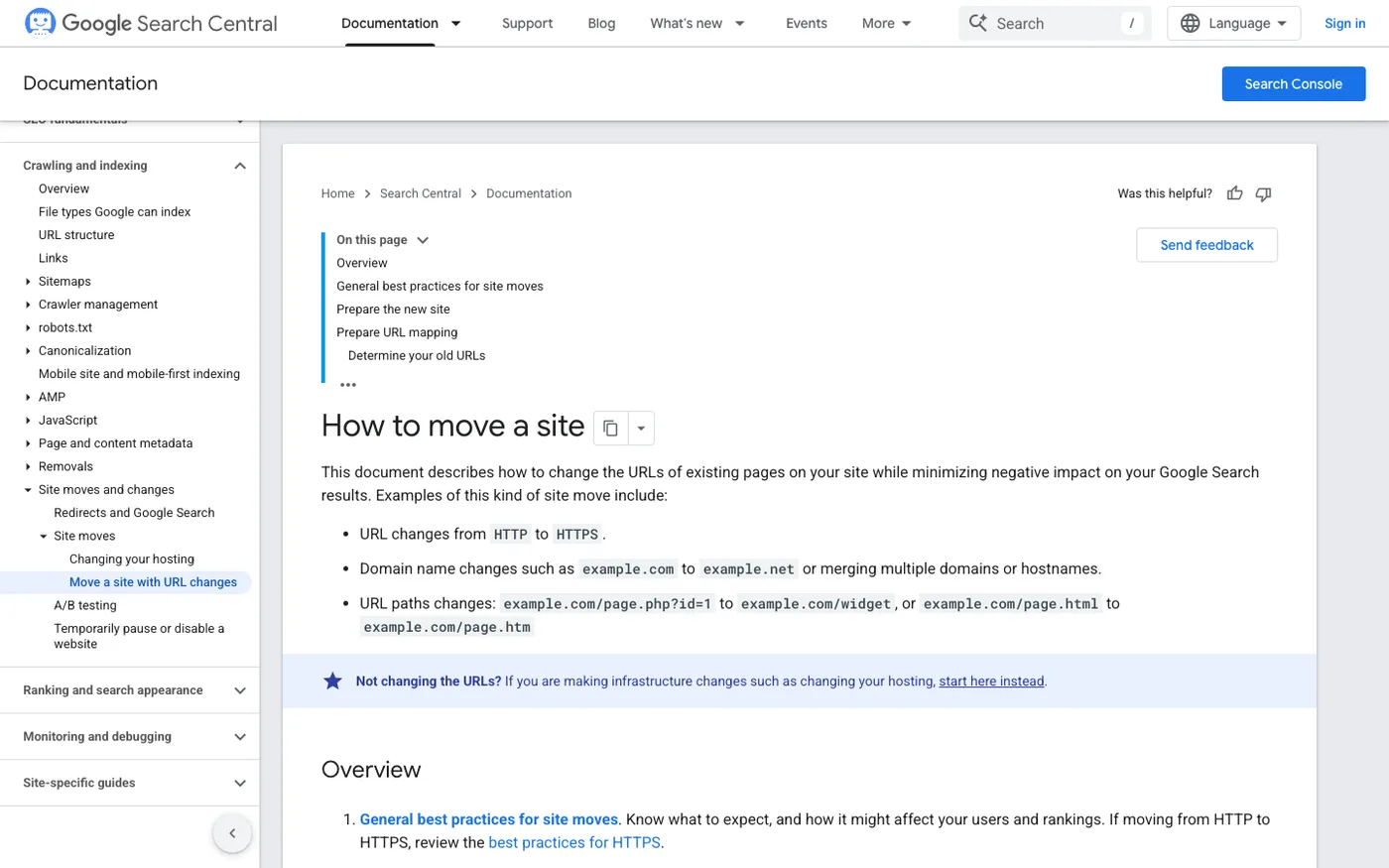
Google doesn't care that you moved platforms. It cares that URLs resolve, content is intact, and pages load reasonably fast. Break any of those and rankings drop, sometimes within days. If you are still choosing the destination, our Shopify vs Wix comparison covers the trade-offs before you commit.
The usual suspects, in order of how often we've seen them cause damage:
- Missing 301 redirects. Your old platform used
/product-category/widget.html, Shopify uses/products/widget. Every unmapped old URL is a 404 and a dead ranking. - Metadata that didn't survive the import. Title tags and meta descriptions stored in platform-specific fields often get left behind.
- Lost structured data. Product schema, reviews markup, and breadcrumbs frequently vanish with the old theme.
- Speed regressions. A bloated new theme can drop your Core Web Vitals scores and hurt rankings indirectly.
- Canonical and hreflang chaos. Multi-currency or multi-language stores are especially vulnerable here.
None of these are exotic. They're just tedious, and tedious is where migrations go wrong.
Before You Touch Anything: The Pre-Migration Audit
Everything starts with a crawl of your current site. Run Screaming Frog (or Sitebulb if you prefer) against the live store and export the full URL inventory with status codes, titles, meta descriptions, canonicals, and structured data types.
Then pull performance baselines from Google Search Console and your analytics tool: clicks, impressions, and average position for your top 100 URLs, plus which pages drive actual revenue. These become your benchmark. If you can't measure the drop, you can't prove recovery. We've had more than one client debate whether traffic "really" fell without a baseline.
Export three things and save them somewhere safe: the full crawl, the GSC performance report, and a list of your top-linked pages (from GSC Links or Ahrefs if you have it).
Build the Redirect Map. This Is Non-Negotiable
The redirect map is the single most important artifact in any ecommerce SEO migration. It's a spreadsheet with two columns: old URL, new URL. Every indexable page on your old site gets a row.
For small stores, map pages manually. It's an afternoon of work. For stores with thousands of URLs, export everything that returned a 200 in your crawl, group by template (products, collections, pages, blog posts), and write rules in bulk. Products map to products, categories to Shopify collections, content pages to pages. Anything with no obvious equivalent should 301 to the closest related page, never to the homepage. Soft-404ing everything to home is a pattern Google explicitly treats as an error.
Once the site is live on Shopify, implement the redirects in Online Store → Navigation → View URL redirects or, better, import them in bulk via Matrixify. Then re-crawl the old URL list and verify every single one returns a 301 to the right destination. On our projects, nothing launches until the redirect check shows 100% coverage on previously-indexed URLs.
One more thing people miss: internal links. Your new Shopify theme should link directly to final URLs, not rely on redirects. Redirect chains dilute link equity and slow crawling. Fix the links, keep the redirects as a safety net.
Migrate Your Metadata and On-Page Elements
Shopify's product import includes title tags and meta descriptions, but they only transfer if your source data was clean. Compare a sample of your top 50 pages against the pre-migration crawl. Missing titles default to product names, which is rarely what you had.
Pay special attention to these:
- Collection descriptions. Shopify collections have a single description field, and merchants coming from platforms with layered content blocks often lose copy here. That body text was ranking for long-tail queries.
- Image alt text. Frequently dropped in imports. Re-apply it on your top-traffic pages at minimum.
- Blog content. Posts usually import fine, but category structures differ. Map old blog categories to Shopify blog tags or separate blogs deliberately.
Our Shopify SEO service treats metadata verification as a launch-gate item, not a post-launch cleanup, precisely because recovery is harder than prevention.
Preserve Structured Data and Indexation Signals
Your old theme carried schema markup that Shopify themes handle differently. After launch, run your key templates through Google's Rich Results Test and compare against your pre-migration crawl: product schema, review stars, breadcrumbs, FAQ markup if you had it.
Then check the technical plumbing:
- Canonicals on every page type, correct and self-referencing
- robots.txt (managed in Shopify via robots.txt.liquid. Don't block CSS/JS; Google needs to render your pages)
- The new XML sitemap, submitted in Google Search Console under Indexing → Sitemaps
- Hreflang, if you run multi-region stores. Shopify Markets handles much of this natively, but verify it
Finally, confirm the old domain's verification stays in GSC through the cutover. Some merchants delete old properties in the chaos of launch and lose their historical data.
The First 30 Days After Launch: Monitor Closely
Launch day is the start, not the finish. For the first month, watch three things weekly in Google Search Console:
- Coverage errors. 404 spikes mean missed redirects. Fix them the same week, not the same quarter.
- Performance trend for your top 100 URLs. A 10–20% dip for two to four weeks is normal. A 40% dip at week three means something structural is wrong.
- Crawl stats. Google should be crawling the new URLs steadily. A stall suggests indexation problems.
Also run PageSpeed Insights on your top templates after launch. We've seen migrations where SEO was preserved perfectly but a heavy theme tanked Core Web Vitals, and rankings slipped a month later for reasons nobody connected back to the replatform. If your new theme is slow, fix it early with image compression, an app audit, and lazy loading, because waiting compounds the problem.
Set a calendar reminder for days 7, 30, and 90 to compare against your baseline. Traffic recovery typically follows the redirect crawl: fast for small sites, slower for large catalogs.
The Mistakes We See Most Often
Having audited dozens of botched migrations, the same failures repeat:
Migrating during peak season. We won't launch a replatform in November for a Q4-heavy brand. Ever. Do it in your slowest quarter and give yourself margin.
Treating redirects as a launch-day task. Mapping thousands of URLs under deadline pressure is how 404s happen. Build the map weeks ahead.
Letting the developer own SEO. Developers are brilliant at many things, but redirect strategy and metadata audits usually aren't in their checklist. Someone has to own organic performance as a launch requirement, with the authority to hold the launch if redirects aren't done.
Deleting the old site too fast. Keep the old platform accessible in a staging or archived state for at least 90 days. You'll need it when you discover that one collection's description never made it over.
The same redirect discipline applies to smaller moves, not just replatforms. A rebrand that changes domains, or even a store rename handled sloppily, leaks rankings through exactly the same gaps. Our guide to changing a Shopify store name and domain walks the safe sequence, and it borrows the redirect rules from this one.
Frequently Asked Questions
How long does it take to recover SEO traffic after a replatform?
With clean redirects and intact metadata, most stores see a 10–20% dip for two to four weeks, then full recovery by week six to eight. Large catalogs can take three months or more because Google recrawls big sites more slowly. If you're still down 40% at the 90-day mark, something is broken. Audit immediately.
Do I need 301 redirects if I'm keeping the same domain?
Yes. Same domain, new URL structure. The paths change with every replatform, and Google treats each changed path as a new page. Without 301s, the old URLs 404 and the link equity you've accumulated evaporates instead of transferring.
Will my rankings drop even if the migration is done perfectly?
Usually a little, temporarily. Google's John Mueller has said migrations can cause short-term fluctuation even when everything is correct. The difference between a dip and a collapse is preparation: benchmarks, a complete redirect map, verified metadata, and active monitoring for the first month.
What tools do I need for an ecommerce SEO migration?
The core stack: Screaming Frog for crawling and redirect verification, Google Search Console for baseline and post-launch monitoring, PageSpeed Insights for performance, and Matrixify if you're handling a bulk redirect import on Shopify. An Ahrefs or Semrush subscription helps for backlink checks but isn't strictly required.
Is it worth hiring an agency just for the SEO side of a migration?
If organic search drives meaningful revenue for your store, yes. The SEO workstream is maybe 20% of a migration's hours but determines whether the other 80% pays off. We've rebuilt redirect maps for merchants who handled the rest themselves, and it's consistently the highest-leverage money they spend on the project.
A replatform should be a growth move, not a traffic crisis. If you want the migration handled with SEO preservation as a launch requirement rather than an afterthought, see our Shopify migration service: redirect mapping, metadata verification, and 90 days of post-launch monitoring included.
