Every few months, a prospect calls us with the same question: "We're picking a platform. Shopify vs WordPress SEO: which is better?"
It's the wrong question, but it's not their fault. The internet has answered it badly for years. WordPress fans claim Shopify's locked-down architecture makes ranking impossible. Shopify fans point at WordPress plugin maintenance nightmares. Both sides cherry-pick data.
We build on both. We're a Shopify Partner and Shopify Plus Partner, and we also ship WordPress builds through our website development team. Over 200+ ecommerce launches, we've migrated stores in both directions (Shopify to WordPress and back), and we've watched what happens to organic traffic after each move. Here's the honest version: what each platform actually does well, where each one fights you, and how to decide based on how your business actually runs.
Shopify vs WordPress SEO: The Short Version
There isn't a universal winner. There is a right answer for your situation.
WordPress gives you total control over every technical detail. That control is power if you know how to use it, and a liability if you don't. Shopify takes decisions away from you, and many of those decisions are correct by default, which makes Shopify quietly excellent at technical SEO for merchants who'd rather run a store than babysit a CMS.
Rankings follow content, links, and technical health, in roughly that order of difficulty. Both platforms can get you there. What differs is the tax you pay along the way, in money, time, or developer dependency.
Where WordPress Wins for SEO
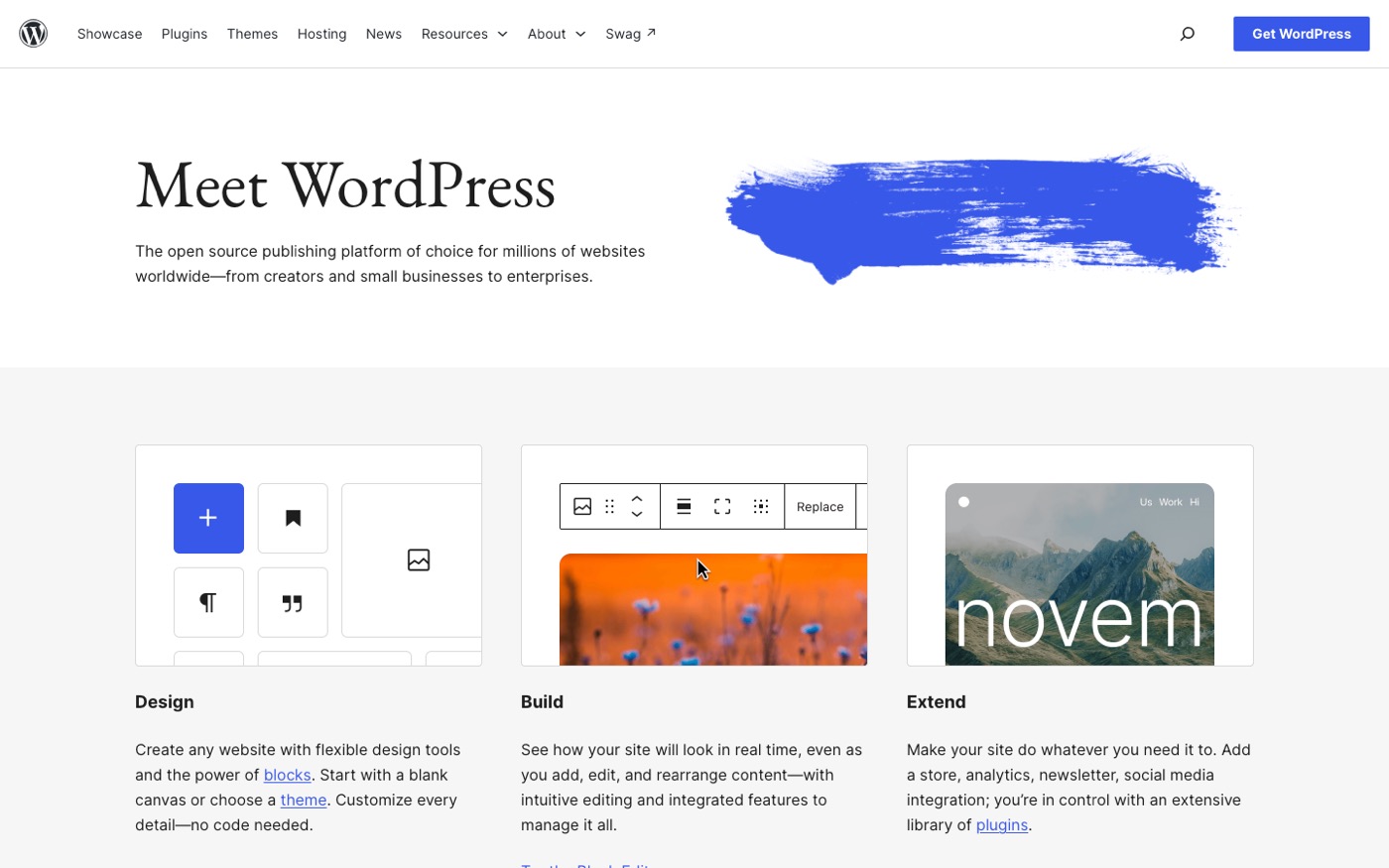
Total technical control. WordPress lets you touch everything: URL structures, robots.txt, server-level caching, schema markup, pagination logic. With plugins like Yoast SEO or Rank Math, you control canonicals per page, breadcrumb schema, redirect rules, and XML sitemap contents down to individual posts.
Content architecture flexibility. WordPress taxonomies are fully customizable. Categories, tags, custom post types, custom fields. You can build content hubs that match exactly how search demand is structured in your niche. If your SEO strategy leans heavily on editorial content (and for many brands, it should), WordPress is the better publishing tool. Its editor, revisions, and media handling were built for publishers.
Speed, if you engineer it. A properly built WordPress site on good hosting, with caching, image optimization, and a lightweight theme, can outperform Shopify on Core Web Vitals. The key phrase is "properly built." Out of the box, most WordPress sites we audit are slower than the average Shopify store.
Link-friendly structure. Clean slugs, full control over internal linking widgets, and plugins that surface related content automatically make large content libraries manageable.
Where Shopify Wins for SEO
Correct defaults. This is underrated. Every Shopify store ships with a valid XML sitemap, automatic canonicals, SSL, mobile-responsive themes, and structured data for products out of the box. On WordPress, each of those requires a plugin or configuration, and each is a thing that breaks. Defaults are only a starting point, though; our Shopify theme comparison covers which ones stay fast once a real catalog and app stack are loaded in.
We've audited hundreds of stores on each platform. The floor for Shopify technical SEO is dramatically higher. The worst Shopify store we ever audited had a handful of indexation issues. The worst WordPress stores we've seen had 40,000 URLs of tag-page spam, a robots.txt accidentally blocking the entire site, and a redirect plugin creating infinite loops. WordPress's freedom means WordPress's failures.
Site speed without effort. Shopify's hosting, global CDN, and managed infrastructure mean decent Core Web Vitals scores with zero DevOps work. A default Shopify theme typically passes Core Web Vitals; a default WordPress theme on cheap shared hosting typically doesn't. If nobody on your team thinks about page speed monthly, Shopify will probably keep you safer. If the comparison you actually need is against a site builder, our Shopify vs Wix breakdown covers that trade-off.
Commerce-first structure. Products, collections, and variants generate structured data automatically. Google Merchant Center integration is native. For a store where the money pages are product and collection pages, Shopify's architecture maps cleanly onto how ecommerce search intent works.
Nothing to maintain. No plugin updates, no PHP version headaches, no security patches, no hosting renewals. Every one of those tasks is also an SEO risk: the update that breaks your schema plugin, the expired SSL, the hacked site serving spam pages. Shopify removes a whole category of ways to lose rankings accidentally.
Where Each Platform Fights You
Honesty requires the complaints section. These are the specific fights, from experience.
Shopify's constraints:
- Fixed URL structure. Products live at
/products/, collections at/collections/. You can't change this, and it occasionally clashes with ideal keyword-mapped architecture. - Forced canonicals on variants that create duplication quirks we still have to work around.
- The robots.txt is editable on higher plans but restricted on Basic, so you can't block crawling of cart, search, and filtered URLs the way you'd want on a large catalog.
- Blog functionality is genuinely weak: no native categories, limited schema, no revision control worth mentioning.
- Some apps inject JavaScript that wrecks PageSpeed scores. The single most common performance problem we see on Shopify stores is a stack of five review and upsell apps each loading their own script bundle.
WordPress's constraints:
- You're the sysadmin. Plugin conflicts, database bloat, PHP updates, security hardening. All yours. Every one of these has tanked a client's rankings at some point.
- Plugin sprawl. The average WordPress site we audit runs 25+ plugins, and SEO features live across three of them that don't talk to each other.
- WooCommerce specifically adds complexity: product schema conflicts, cart and account URLs that leak into crawls, and checkout pages that need careful noindex handling.
- Total cost is often higher than it looks once you add hosting, premium plugins, a maintenance plan, and developer hours.
The Migration Reality Check
This is where our opinion hardens, because we've measured it.
Stores migrating WordPress to Shopify typically lose 10–25% of organic traffic for 2–4 months, then recover if the redirect mapping was done correctly. Done badly, and "badly" is common with cheap migration services, recovery doesn't happen. We've rebuilt entire redirect maps for stores that lost half their organic traffic to a sloppy replatform.
Stores migrating Shopify to WordPress face a similar dip, plus a longer tail of technical debt surfacing over the following year.
The platform itself is rarely the cause of ranking changes after a migration. URL changes, lost structured data, and missed redirects are. We covered the full process in our Shopify migration guide, and the same discipline applies in reverse.
The point: if your current platform is working, switching platforms purely for SEO is almost never worth the risk. Fix what's broken instead.
So Which Should You Choose?
Choose Shopify if:
- You're a merchant first, not a publisher. Your revenue comes from products, and content supports that rather than leading it.
- You don't have (or want) technical staff managing your site.
- You want to stop thinking about hosting, security, and maintenance entirely.
- Your catalog is structured conventionally: collections, products, a modest blog.
Choose WordPress if:
- Content is your primary growth engine (comparisons, guides, editorial, news), and you publish at real volume.
- You have technical resources in-house or on retainer who can own performance and maintenance.
- You need URL structures, taxonomies, or integrations Shopify won't accommodate.
- Your budget genuinely accounts for hosting, premium tooling, and maintenance, not just the build.
Choose a headless or hybrid setup only if you're doing $5M+ and have a real engineering team. Headless Shopify (Hydrogen/Next.js) or WordPress-as-CMS solves the "Shopify blog is weak" problem, but it doubles your technical surface area. It's a power tool with no safety guard, and we've been called in to unwind more than one premature headless build.
What Actually Determines Your Rankings
Platform choice moves rankings maybe 5–10% in either direction, and only when everything else is equal. Everything else is:
- Content that answers commercial-intent queries better than the pages currently ranking
- Links from sites Google respects
- Technical health: crawlable, fast, correctly canonicalized
- Time. Compounding organic growth typically takes 6–12 months regardless of CMS.
We routinely see Shopify stores outrank WordPress competitors and vice versa. The winners in both camps share the same traits: they treat SEO as a program, not a plugin setting. Our retainer clients across both platforms average a 9x organic traffic increase over a year or more. The platform was never the variable that mattered most.
If you want the platform decision made properly (architecture, content strategy, and technical setup planned before a single page ships), that's the kind of project our Shopify SEO team scopes out before any build starts.
Frequently Asked Questions
Is WordPress better than Shopify for SEO?
WordPress is better for content-heavy SEO strategies because of its publishing flexibility and total technical control. Shopify is better for ecommerce SEO at the product and collection level, with stronger out-of-the-box defaults. Neither platform caps your rankings; your content quality, links, and technical execution do.
Does migrating from WordPress to Shopify hurt SEO?
Any migration causes a temporary dip, typically 10–25% of organic traffic for 2–4 months, assuming correct redirect mapping and preserved structured data. The dip becomes permanent only when redirects are missed or URL structures change without a plan. Hire someone who has done it before. This is not a place for learning on the job.
Can Shopify blogs rank as well as WordPress blogs?
They can, but the tooling fights you. Shopify's blog lacks native categories, strong schema support, and revision control, so content-heavy brands usually outgrow it. For a supporting blog of 20–50 posts, Shopify is fine. For hundreds of posts driving your growth, WordPress or a headless setup serves you better.
Which platform is faster for SEO?
A default Shopify store is typically faster than a default WordPress site, because Shopify manages hosting, CDN, and infrastructure. A properly optimized WordPress site on quality hosting can match or beat Shopify. The gap is effort: Shopify gives you good speed for free; WordPress gives you better speed if you engineer it.
Should I switch platforms for better SEO?
Almost never. The migration risk almost always outweighs the platform's SEO ceiling. Unless your current platform is fundamentally blocking your strategy (and usually it isn't, it's just poorly configured), invest in content, links, and technical fixes where you are.
Get Help With This
The right platform is the one your team can actually operate well for the next three years, not the one that wins a feature checklist. If you want a second opinion before you commit, or a migration plan that protects your rankings, talk to our web development and SEO team and we'll give you a straight recommendation, even if the answer isn't more work for us.
