A candle brand we support came to us last spring paying for three popup apps at the same time. One fired on arrival, one on exit, and one whenever its own logic felt like it. None of them knew the others existed. The store was not short of popups; it was short of one popup tool used with intent. Untangling that mess is a big part of my job as the design lead here, and it is the reason this list exists.
Popup apps are one of the few Shopify categories where the tool matters less than the discipline around it. Our Shopify popup strategy guide covers the timing rules and suppression plumbing that decide whether a popup converts or just annoys. This post covers the tools. Every app below has a live Shopify App Store listing with self-serve pricing we could verify at time of writing, and every one has run on a real store we worked on in the last year.
How we test Shopify popup apps
We do not score feature lists. A popup app earns its place on a store we run by four things: the editor, meaning can I make the popup look like the brand or does everything come out template-shaped; the targeting and suppression depth, meaning can I stop it firing at the wrong person; the weight it adds to the page; and pricing honesty, meaning what the entry plan actually includes versus what it gates.
I judge these apps as the person who has to design inside them, not as an admin installing them. That means hours in each editor, real campaigns on live stores, and at least one frustrated client message when a popup fired somewhere it should not have. Prices below are entry-level and self-serve, checked in November 2026. Vendors move pricing often enough that you should treat every number here as a snapshot, not a contract.
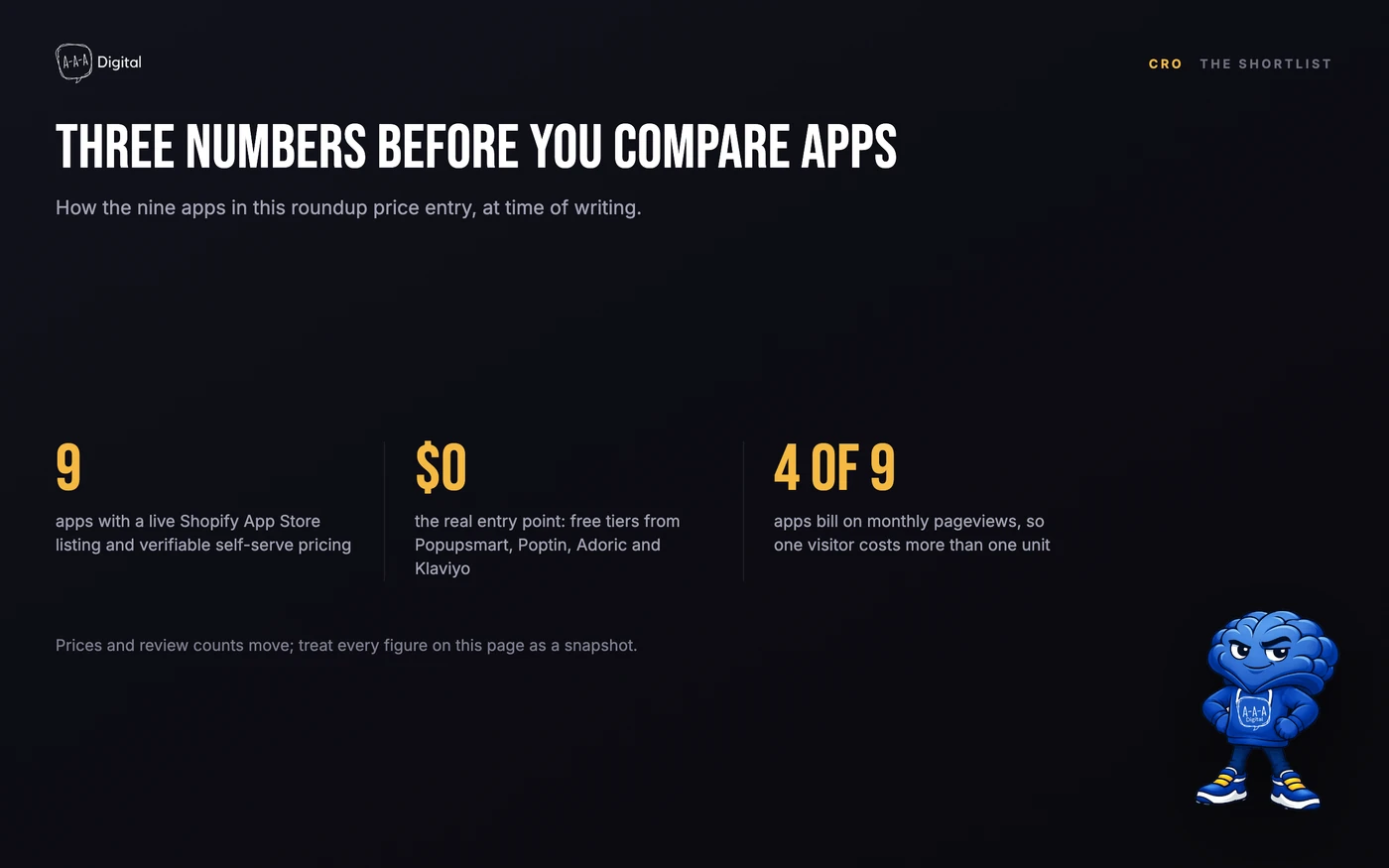
The 9 best Shopify popup apps at a glance
| App | Popup surface | Entry price | Best for |
|---|---|---|---|
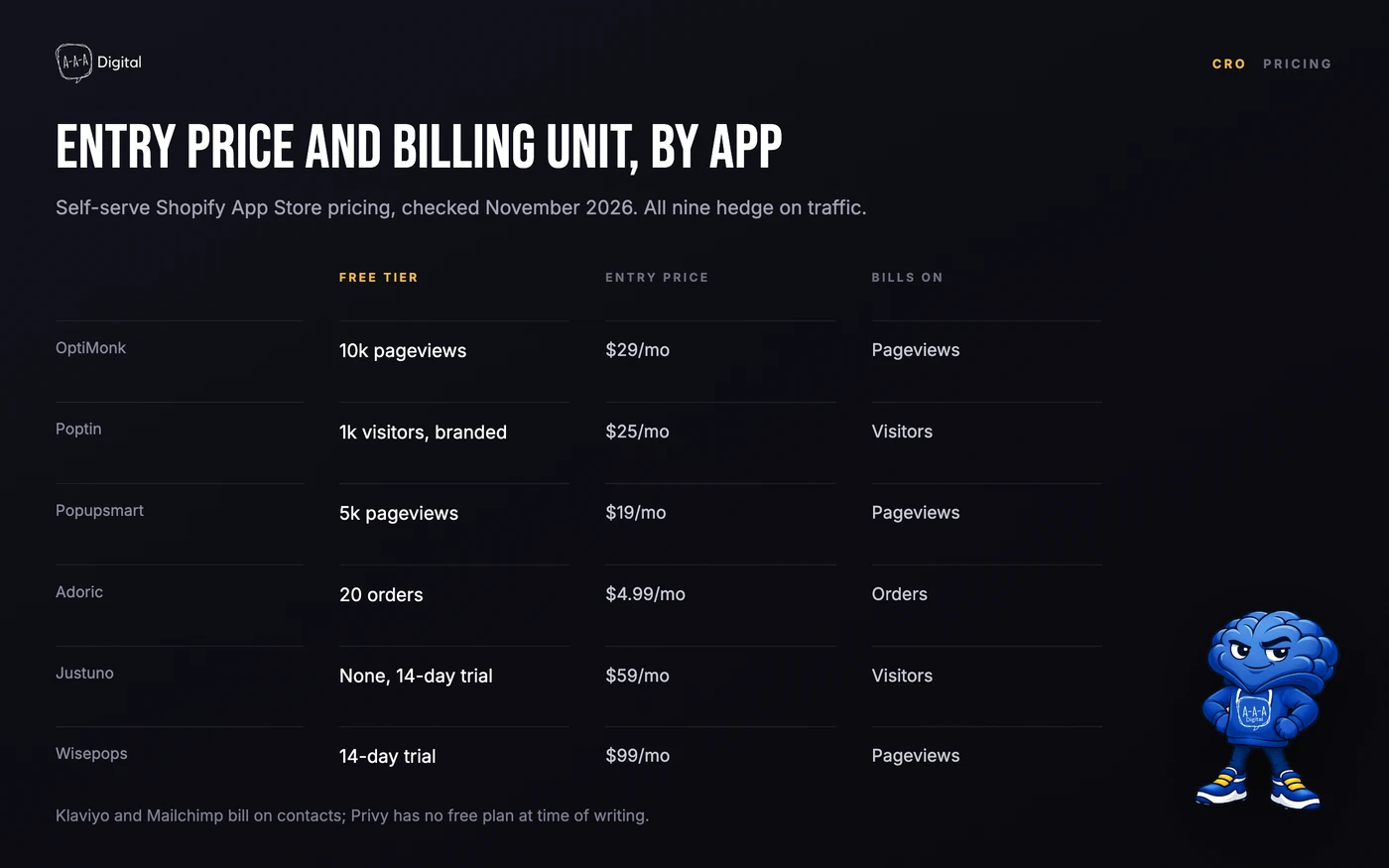
| OptiMonk | Exit-intent popups, gamification | Free; $29/mo paid | Deep targeting and A/B testing |
| Wisepops | Popups, bars, onsite feed, embeds | From $99/mo | Design-led brands |
| Poptin | All popup types, spin wheels | Free to 1,000 visitors | Budget-first stores |
| Popupsmart | Popups, gamification, analytics | Free; $19/mo paid | Cheap start with reporting |
| Justuno | Popups, banners, AI recommendations | $59/mo, no free plan | Stores with a CRO owner |
| Klaviyo | ESP-native popup and flyout forms | Free to 250 contacts | Stores already on Klaviyo |
| Mailchimp | ESP-native signup popups | Free; $13/mo paid | Stores already on Mailchimp |
| Adoric | Popups, exit-intent, gamification | Free to 20 orders/mo | Small catalogs |
| Privy | Popups plus email and SMS | From $24/mo, no free plan | All-in-one starters |
Two notes before the reviews. "Entry price" means the cheapest self-serve plan that lifts the free tier's limits, not the plan a busy store ends on. And review counts move monthly, so where a count matters to the recommendation we say so instead of trusting a screenshot.
1. OptiMonk: the best Shopify exit-intent popup app overall
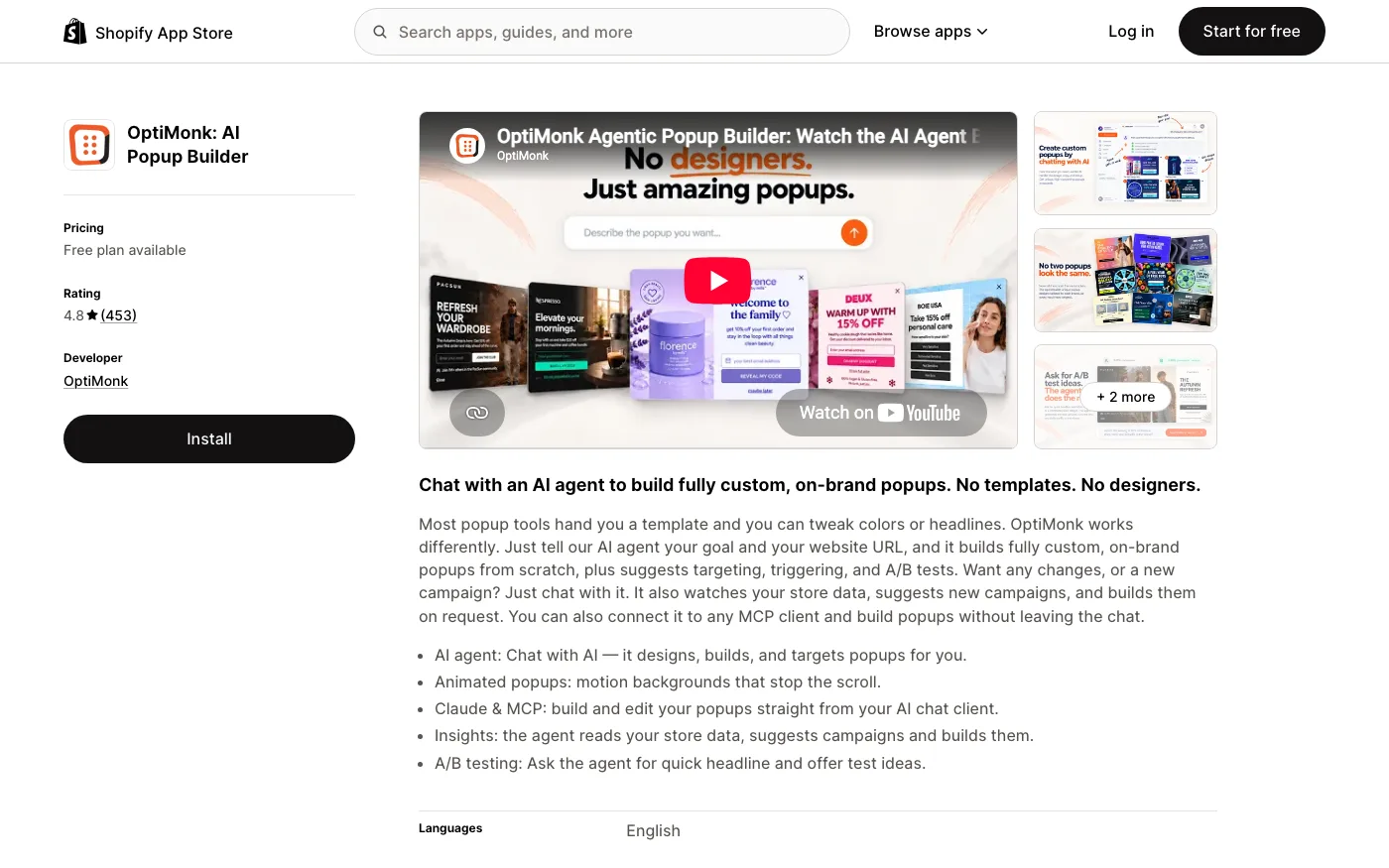
OptiMonk is the popup builder we reach for most often. Its AI-assisted editor produces on-brand drafts from a prompt, the exit-intent detection is the most reliable on this list, and the targeting goes deep: page type, cart value, traffic source, new versus returning. Gamified templates like spin-to-win ship built in, and A/B testing is included rather than gated behind the top tier.
I have designed popups in OptiMonk for a home fragrance brand and a supplements store, and its exit-intent templates are the strongest starting point I have used. The free plan covers 10,000 pageviews a month on one domain; the Essential plan starts at $29 a month. Where it falls short: pageview billing means one real visitor costs you two to four units, so a store with 30,000 monthly visitors is not on the free plan for long. The dashboard also nudges you toward gamified templates that most brands do not need. Skip it if you see under 5,000 monthly visitors; a free tier from another app here covers that.
If your welcome popup leads with a discount, spend your energy on the offer rather than the app. Our breakdown of Shopify discount code ideas covers the incentive side properly.
2. Wisepops: the best design-led all-in-one popup app
Wisepops is the polished option. Beyond popups it runs announcement bars, an onsite notification feed, embeds, and web push, with 200 plus templates and revenue attribution per campaign. The design output is the cleanest of the nine; popups look designed rather than assembled. Every feature is available on every plan, and only monthly pageviews move the price, which is the pricing model we wish more vendors used.
The Shopify App Store listing starts at $99 a month with a 14-day trial; higher pageview tiers run around $299. Be aware that Wisepops has been steering larger brands toward a managed platform that starts near $500 a month, so if you request a quote, confirm which route it is for. The weakness is the price of all that polish: for stores under roughly 50,000 monthly pageviews, you are paying for design headroom you will not use.
3. Poptin: the best free Shopify popup plan that is actually usable
Poptin covers nearly every popup format a store might want: lightbox email popups, exit-intent, spin wheels, notification bars, SMS popups, and embedded forms. The free plan covers 1,000 monthly visitors with unlimited popups, which is a real allowance for a new store, and paid plans add an autoresponder, A/B testing, and more domains. Basic starts at $25 a month for 10,000 visitors; Pro is $59 for 50,000 visitors across four domains.
This is the app I point brand-new stores toward when money is tight. Two weaknesses to know: the free plan shows Poptin branding and sends no autoresponder, and Poptin bills on monthly unique visitors rather than pageviews, so compare plans against pageview-priced apps using your own traffic numbers before committing.
4. Popupsmart: the cheapest credible start with real analytics
Popupsmart's free plan gives you 5,000 pageviews a month, though only one live popup at a time, plus 100 emails. The Starter plan is $19 a month for 25,000 pageviews, Basic is $39, and the Advanced tier at $69 is where A/B testing and AI targeting arrive. The template library is large, gamification is included, and the analytics show what a popup earned rather than just how many clicks it got.
The honest caveat is the review base: at time of writing the Shopify listing holds a strong rating from only about 50 reviews, the smallest sample on this list. That is not a reason to avoid it, but it means you are validating the tool yourself. If popups feed your revenue, test variants before trusting any app's dashboard; our guide to Shopify A/B testing covers the method.
One more thing before the ESP-native options. Picking the app is the easy half. Making popups pay without dragging down page speed and visitor patience is trigger and suppression work, and untangling that is usually the first week of our Shopify CRO service.
5. Justuno: best for stores that can feed a CRO tool
Justuno is the agency-grade option. Popups and banners share a dashboard with AI product recommendations and real-time segmentation built from behavior and profile data. There is no free plan; the Lite tier starts at $59 a month for 10,000 visitors, tiers step up through $99, $199, and $299, and a 14-day trial covers evaluation. A Done-For-You plan exists for teams that want the vendor to run campaigns.
I have rebuilt a Justuno campaign a client inherited from another agency. The segmentation depth is real, and so is the rule builder: budget an afternoon before it clicks. That complexity is the weakness. Under roughly 20,000 monthly visitors you will not touch half of what Justuno does, and simpler apps on this list convert just as well at that scale.
6. Klaviyo: best popup forms if Klaviyo is already your ESP
If your store already pays for Klaviyo, start here before installing anything else. Klaviyo's form builder covers popups, flyouts, and embedded forms, and whatever a popup captures drops straight into your lists and flows with no sync step and no Zapier bill. The free plan covers up to 250 contacts and 500 email sends a month; email plans start at $20 a month and scale with list size.
The weakness is design and targeting ceiling. Klaviyo forms look fine but generic next to a dedicated popup tool, and targeting rules like cart value or deep scroll behavior are thinner. For most stores the trade is worth it, because speed of the handoff matters more than the overlay's looks. Whatever your popup captures should land in a welcome flow within minutes, and email flows that convert live or die on exactly that handoff.
7. Mailchimp: best if your list already lives in Mailchimp
Mailchimp's Shopify app includes the classic popup signup form alongside the email platform, which suits stores whose marketing already runs there. The free plan covers 250 contacts and 500 sends a month with no automation; the Essentials plan starts at $13 a month. Setup is quick, and the forms inherit whatever branding you have set in Mailchimp.
The weakness is ecommerce depth. Popup targeting is basic, roughly URL plus timing, and Shopify-specific triggers are shallower than Klaviyo's. If email is becoming a revenue channel rather than a newsletter habit, you will likely migrate lists later, and a popup tool that syncs cleanly beats a native form you have to abandon.
8. Adoric: the best bargain for small catalogs
Adoric prices on store orders, not traffic, which makes it the friendliest entry point here. The free plan covers up to 20 orders a month; paid tiers run $4.99 for 100 orders, $9.99 for 200, and $24.99 for 500. You get popups, exit-intent, gamification, and AI product recommendations, plus a store scan that suggests campaigns based on what you already sell.
I ran Adoric on a store doing about 80 orders a month, and the exit popup earned back a year of the $4.99 plan within its first week. The weakness is fit as you grow: the editor and templates are the least polished on this list, and order-based billing means your popup bill rises in step with your success. For a catalog under a few hundred orders a month, that trade is easy to accept.
9. Privy: the best popup-and-email starter bundle
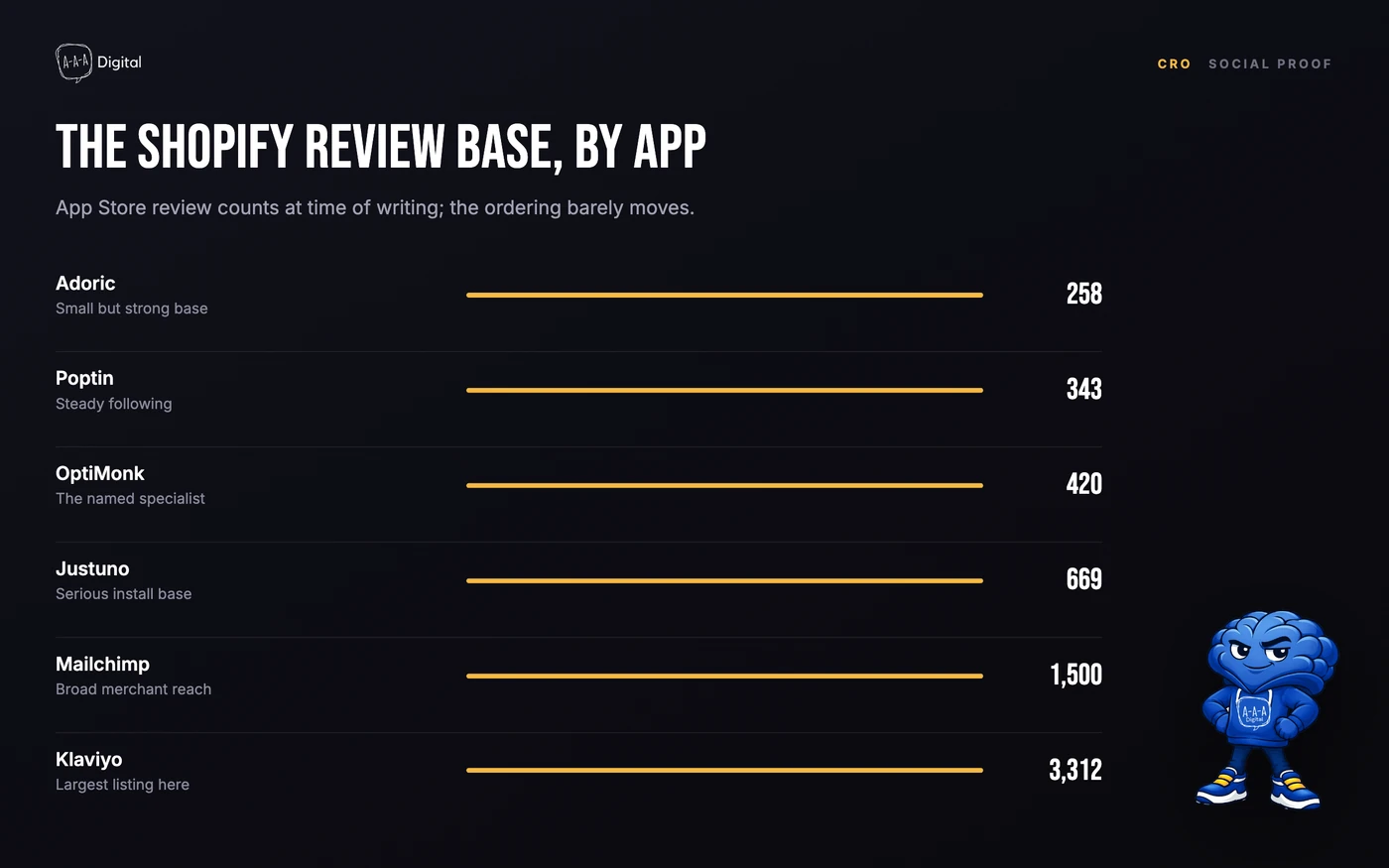
Privy bundles popups, spin wheels, and bars with its own email and SMS sending, which makes it the natural first tool for a store that wants one dashboard for capture and sending. It is also one of the most-installed popup tools on the App Store, with close to 4,000 reviews at time of writing. There is no free plan as of November 2026; popups start at $24 a month.
The weakness is the bundle math. If all you need is popups, dedicated tools here cost the same or less, and Privy's email side is a step below Klaviyo once your list grows past the starter stage. Treat Privy as a launchpad: consolidate on it early, then specialize when one side of the bundle starts holding the other back.
Which Shopify popup app fits your store
Four questions settle most of this decision, in this order.
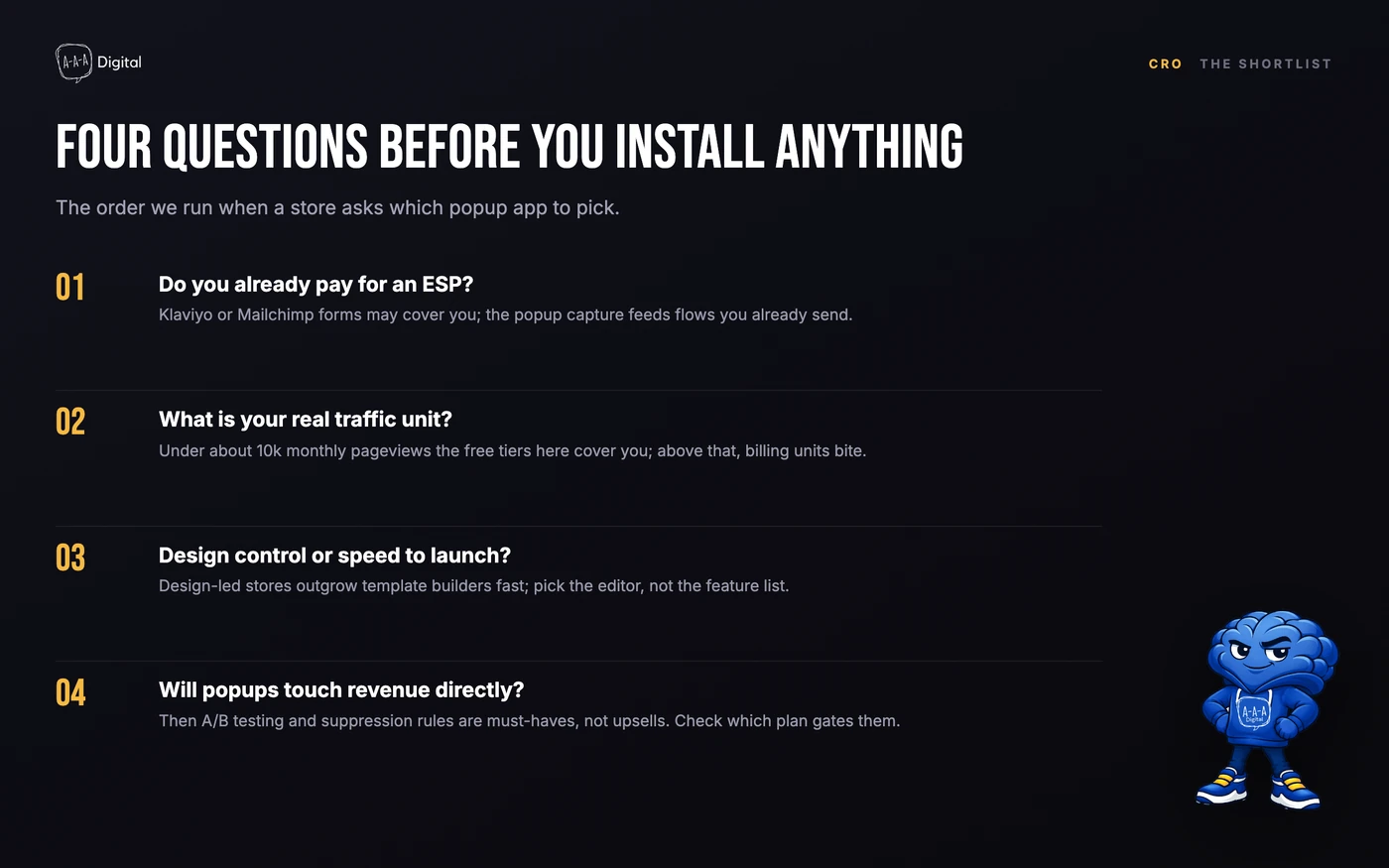
First, do you already pay for Klaviyo or Mailchimp? Use their forms until popups become a real channel. Second, what is your real traffic unit: visitors, pageviews, or orders? Match the app whose billing unit punishes you least. Third, is design control or speed to launch the constraint? Stores with a strong visual identity should shortlist Wisepops and OptiMonk; everyone else should start free. Fourth, will popups touch revenue directly? If yes, A/B testing and suppression rules are must-haves, not upsells, so check which plan gates them before you install.
FAQ
What is the best free Shopify popup app?
It depends on your traffic unit. Popupsmart's free plan covers 5,000 monthly pageviews, Poptin covers 1,000 monthly visitors, and Adoric covers 20 monthly orders, so a store with low traffic but steady orders fits Adoric while a content-heavy store fits Popupsmart. If you already use Klaviyo, its free plan includes forms up to 250 contacts, which removes the need for a separate app entirely.
Do popup apps slow down a Shopify store?
Every popup app loads JavaScript on your pages, and stacking two or three is where the real damage happens. Most dedicated popup tools on this list are reasonably light; the bigger risk is trigger conflicts and double-loading scripts. Measure your product page with PageSpeed Insights before and after installing, and delete the apps you replaced instead of leaving them disabled.
Can I run Shopify popups without a popup app?
Partially. Shopify's native forms and Klaviyo's built-in form builder cover basic email capture, and some themes include announcement bars. What you give up is exit-intent detection, cart-value targeting, gamification, and proper suppression rules. For a single welcome popup on a new store, native tools are enough; for anything timed to behavior, you need one of the apps above.
How do I know if my popup app is working?
Judge it on revenue per session and list growth per thousand visitors, not on the opt-in rate the app's dashboard shows you. Set a delay floor, fire one popup per session, suppress it after dismissal, and compare one variant against another for at least two weeks before calling a winner.
The apps on this list are only half the job. The Shopify popup strategy guide we published covers the timing, triggers, and mobile rules that make any of these tools convert, and if you would rather have the strategy and the setup handled together, that is exactly what our Shopify CRO service does.
